Piñata
Mobile app
iOS + Android
Freemium subscription

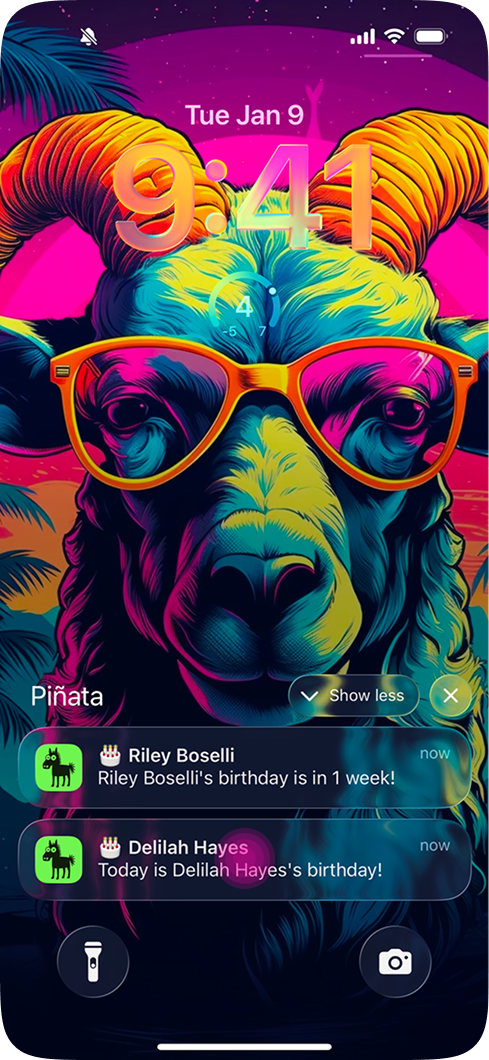
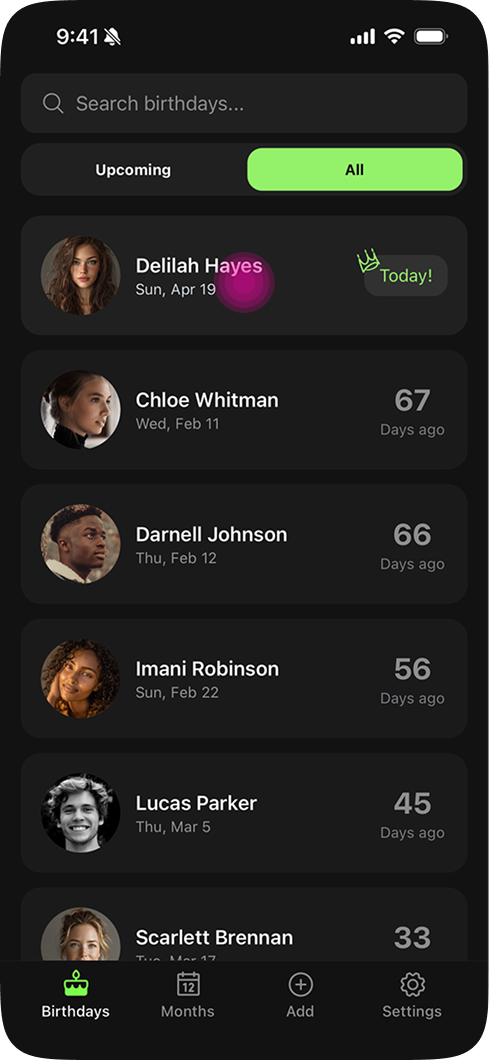
A birthday reminder app designed, built, and shipped solo across iOS and Android. A 15-year-old idea brought to life through AI-assisted development with Claude Code.
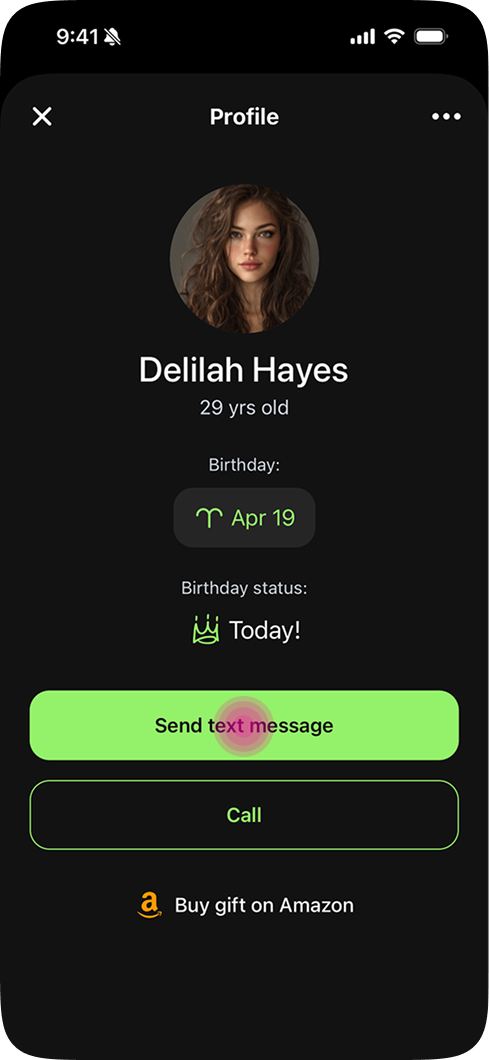
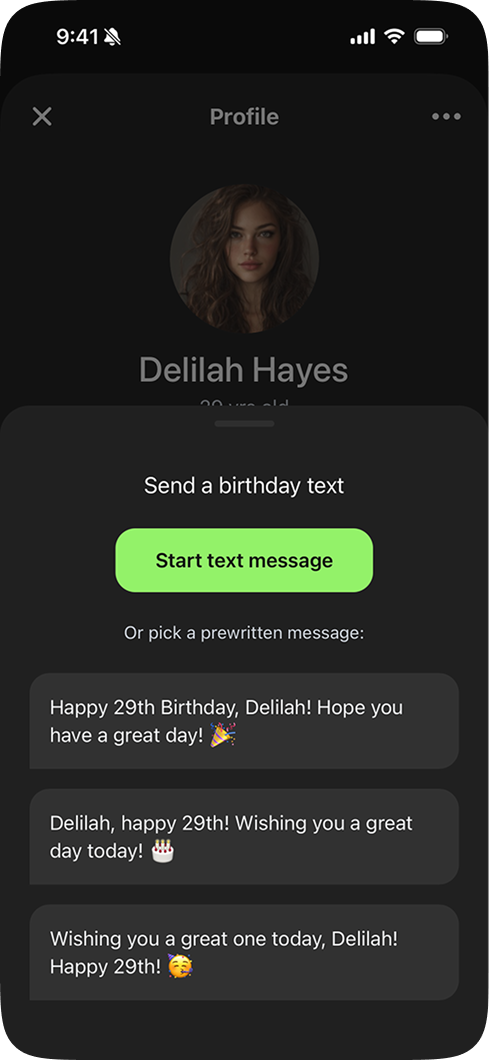
The Problem
Like a lot of people, I'd occasionally forget a birthday and feel bad about it. There were apps that were supposed to help, but most were cluttered, ad-heavy, and hadn't been touched since 2010. Nobody had built something that actually felt worth keeping on your phone.
I prototyped this idea 15 years ago. It never went anywhere because I couldn't build it myself. AI coding tools changed that.
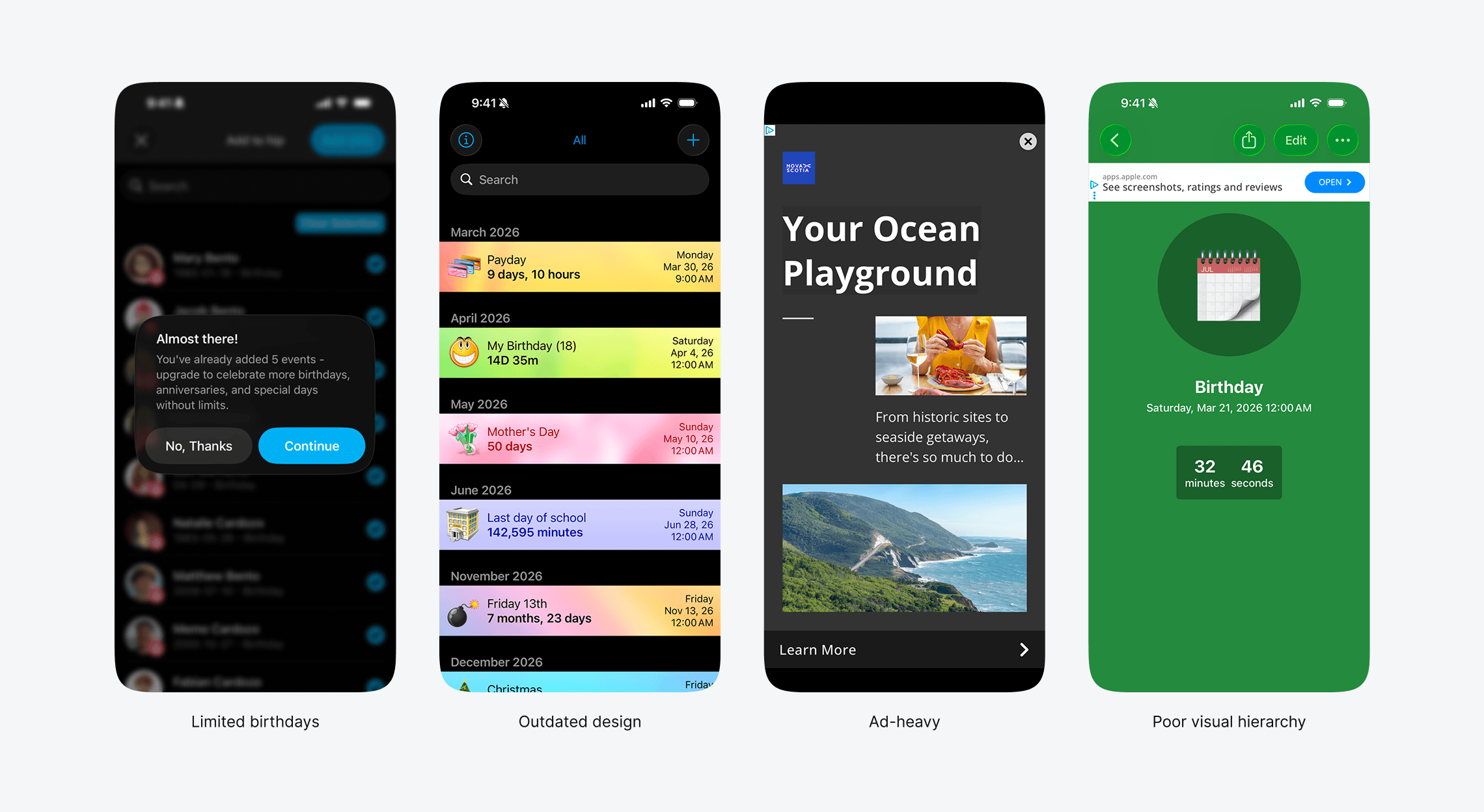
Top-rated birthday apps. App Store, March 2026.
Who It's For
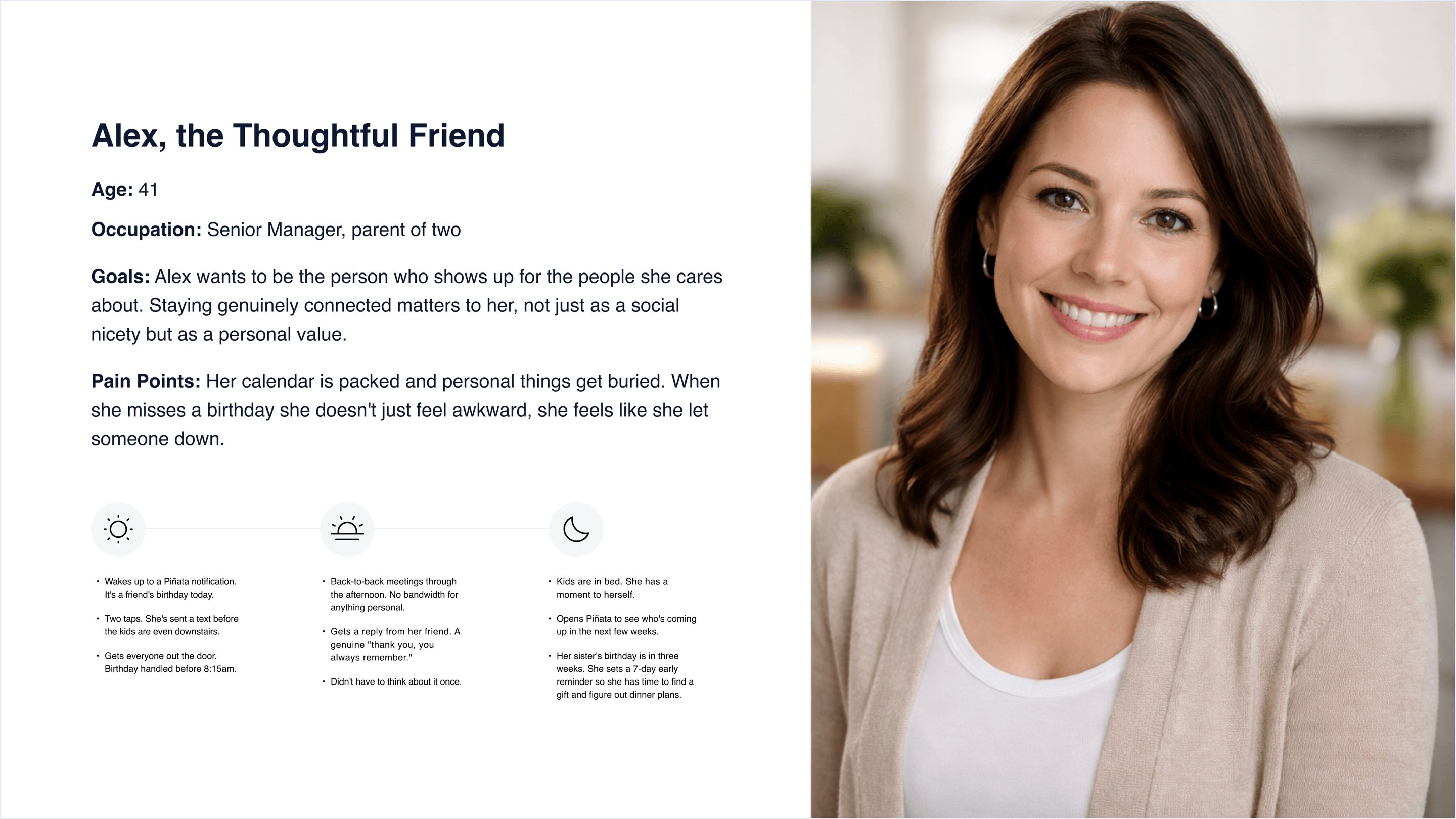
The people who use Piñata aren't forgetful. They're busy. I built it for people like me: someone with a growing circle of people they care about and no reliable system for keeping up.
Two profiles kept showing up. One is personal: a busy professional or parent who wants to show up for the people in their life without it becoming another thing on their plate. The other is professional: someone who manages client relationships and understands that a birthday message is one of the most effective client touchpoints they have. The motivations are different. The problem is the same.
Decisions
Onboarding
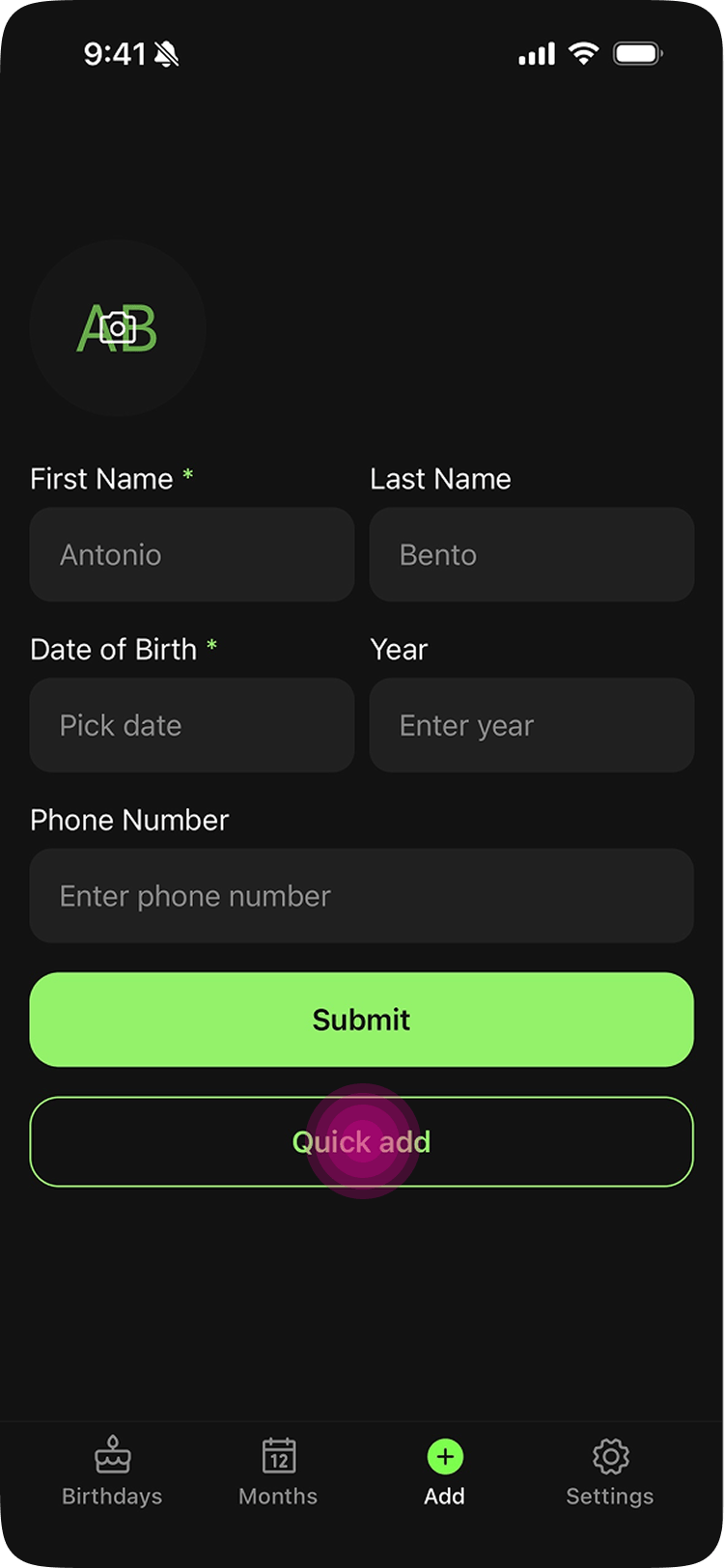
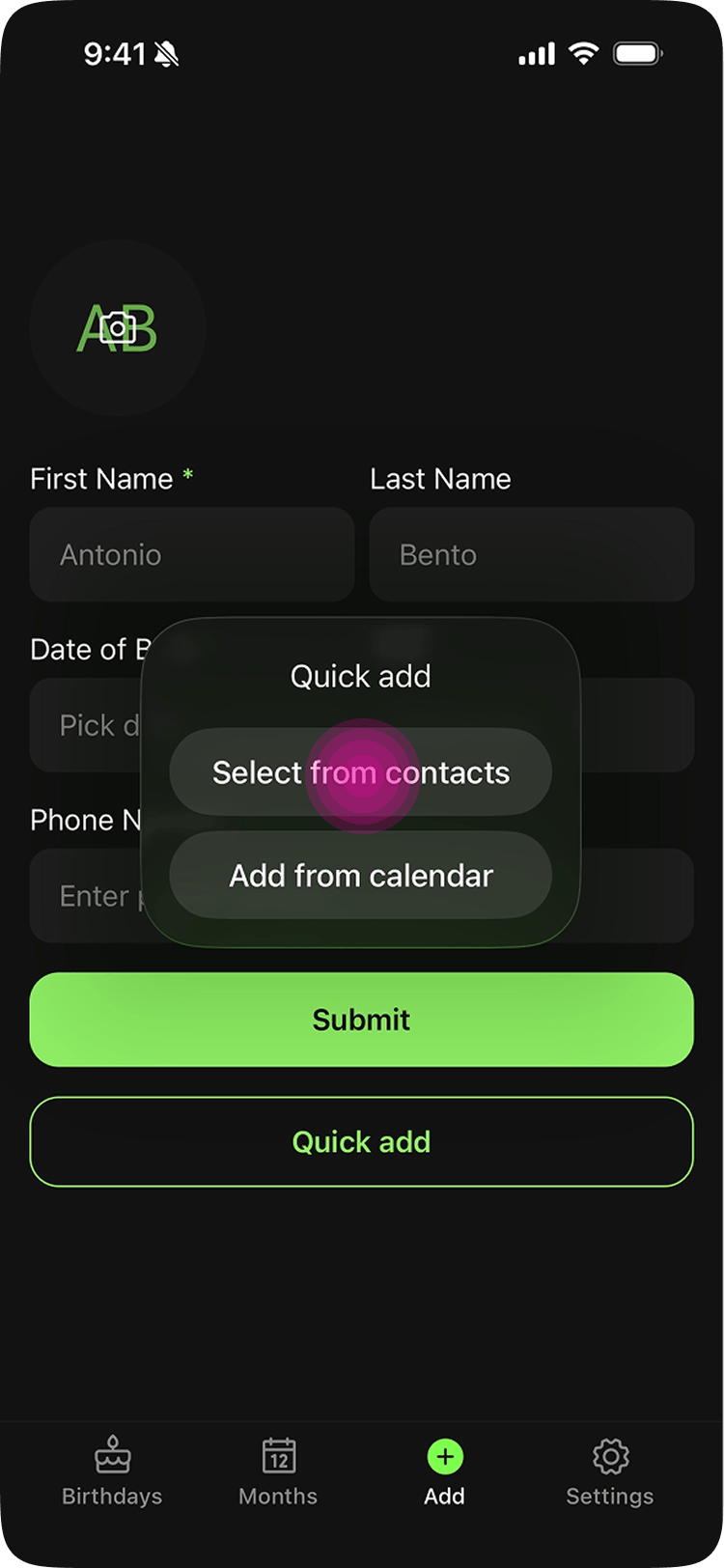
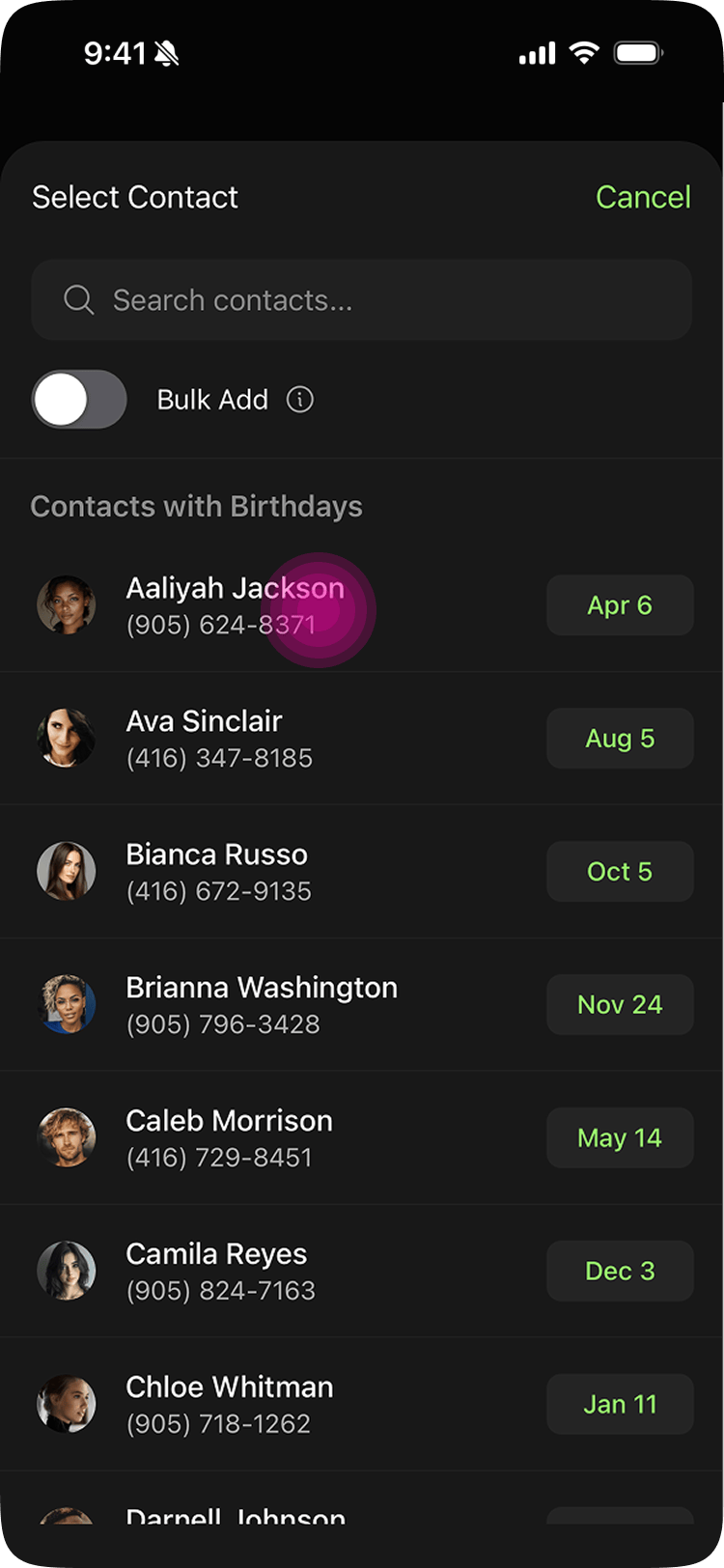
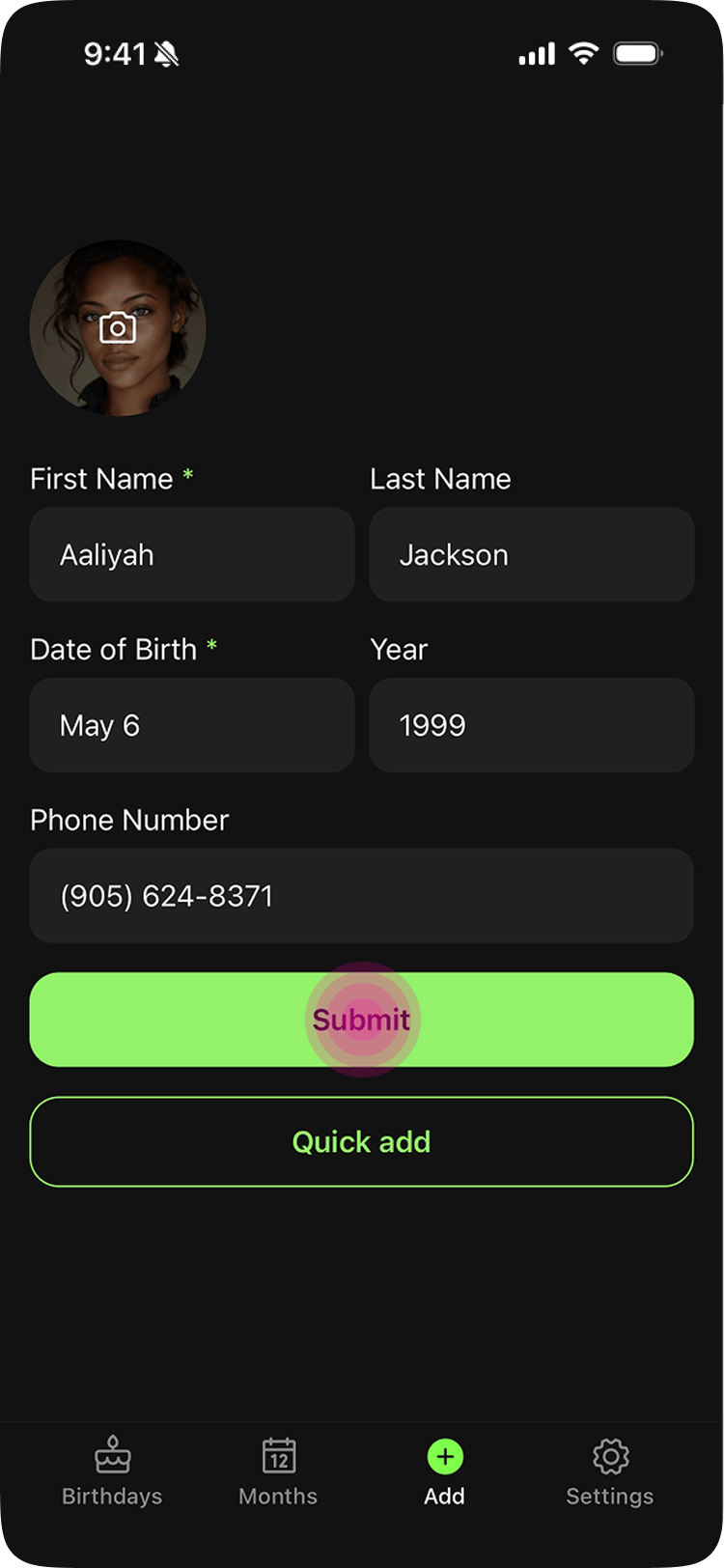
The worst part of any app that requires manual data entry is onboarding. You download it, feel good for five minutes, then abandon it because typing 70+ birthdays by hand isn't fun. Most apps accept it.
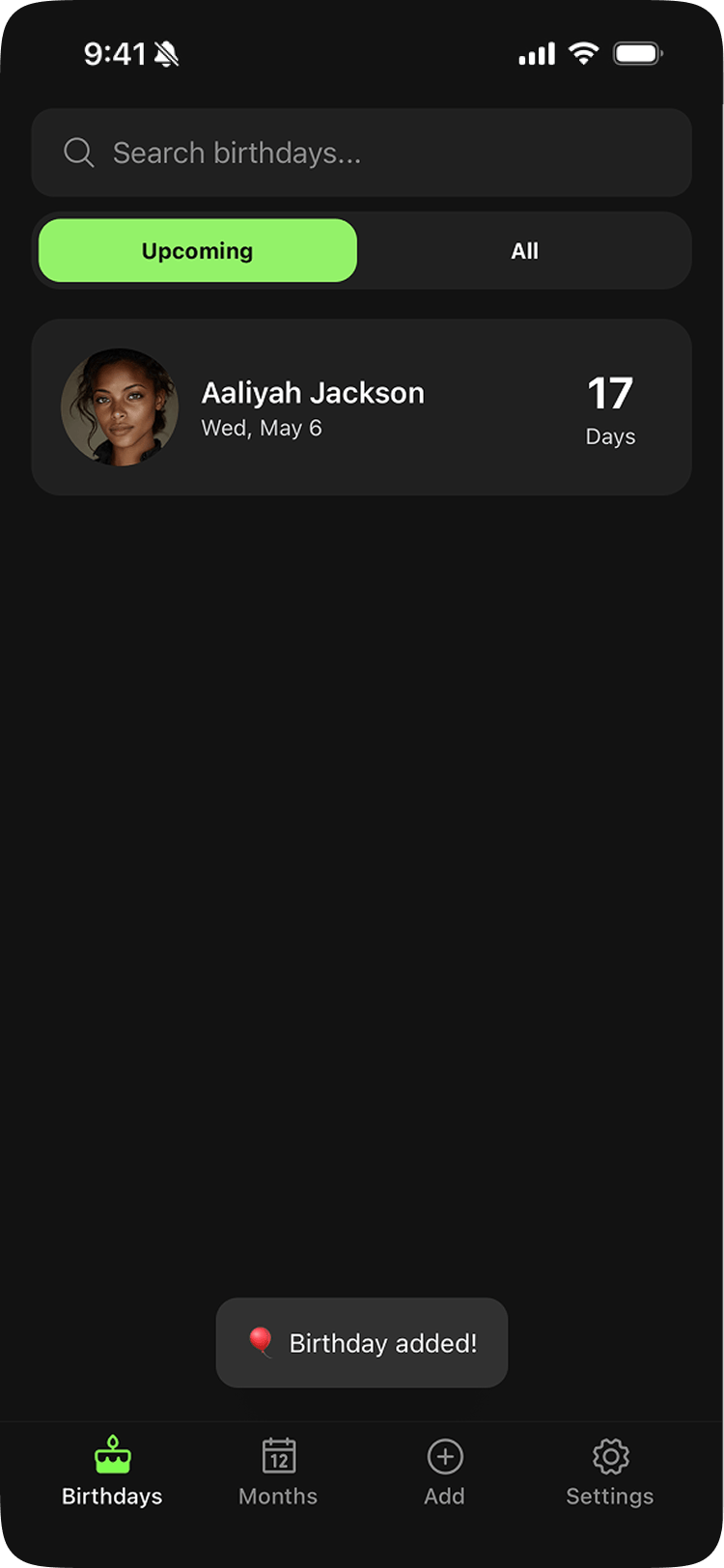
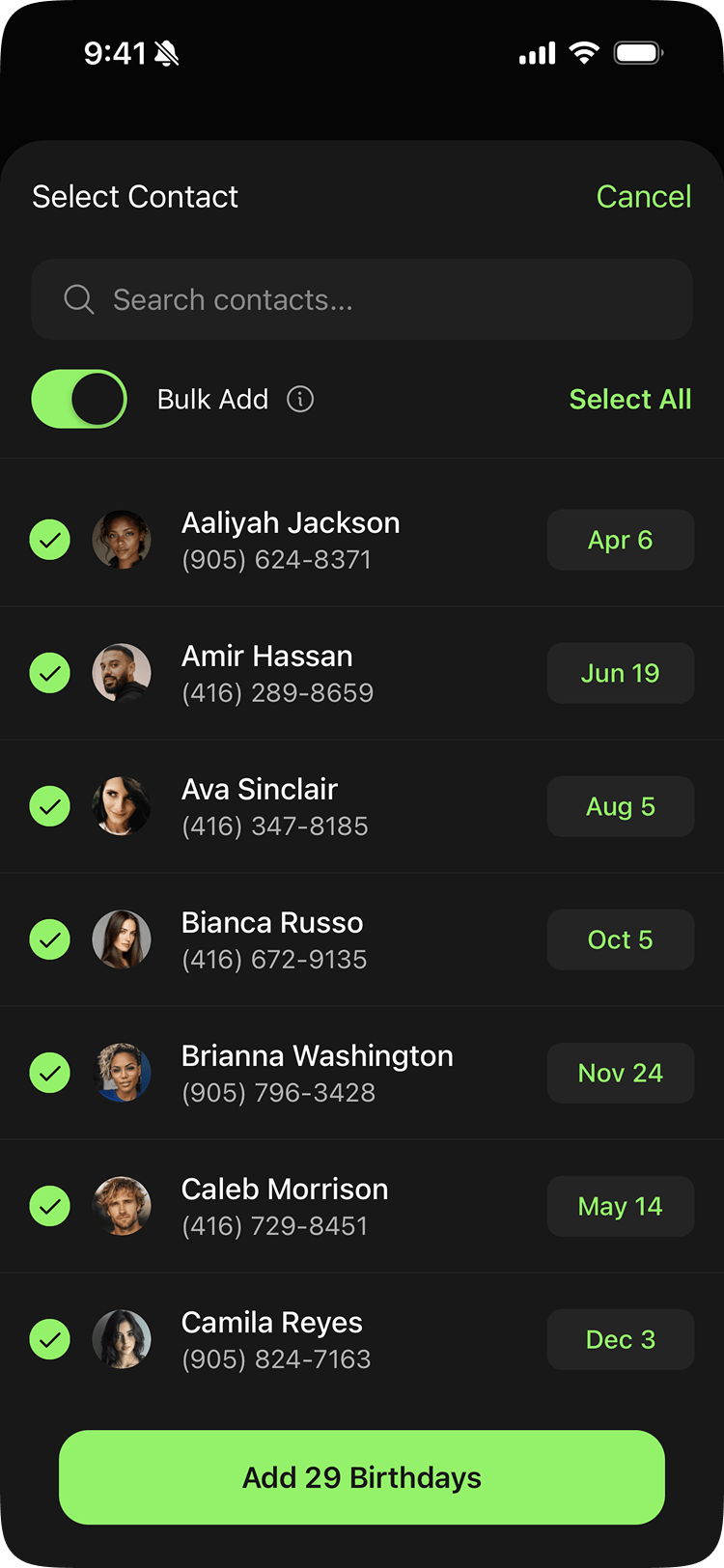
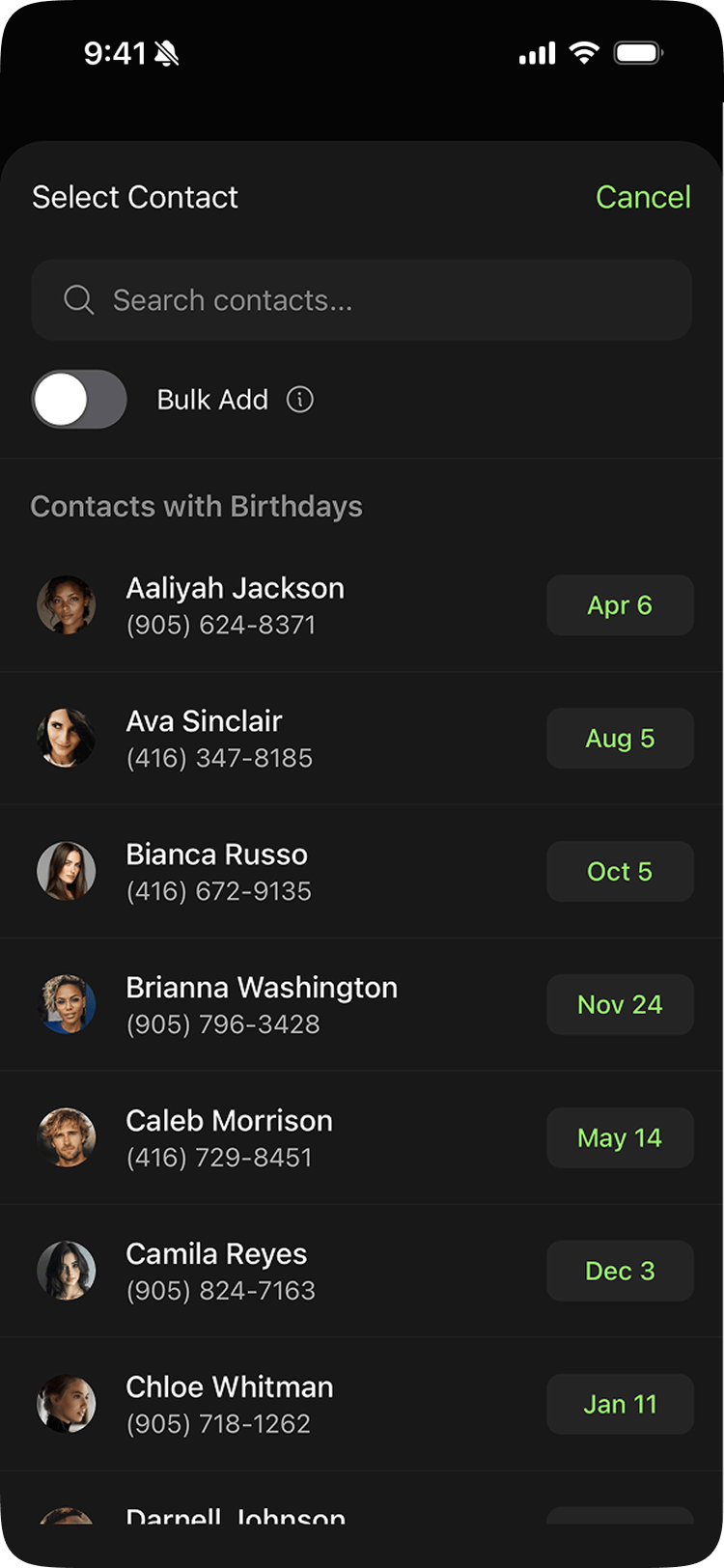
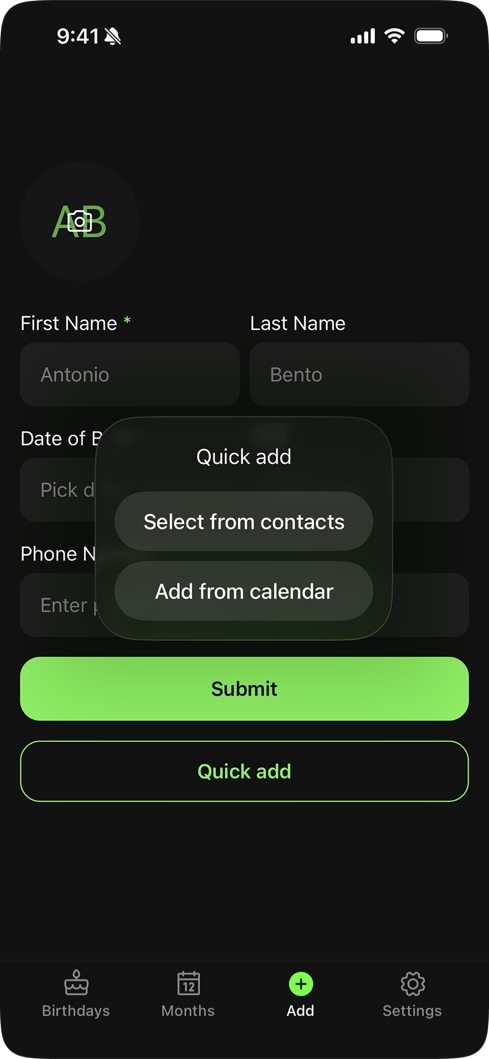
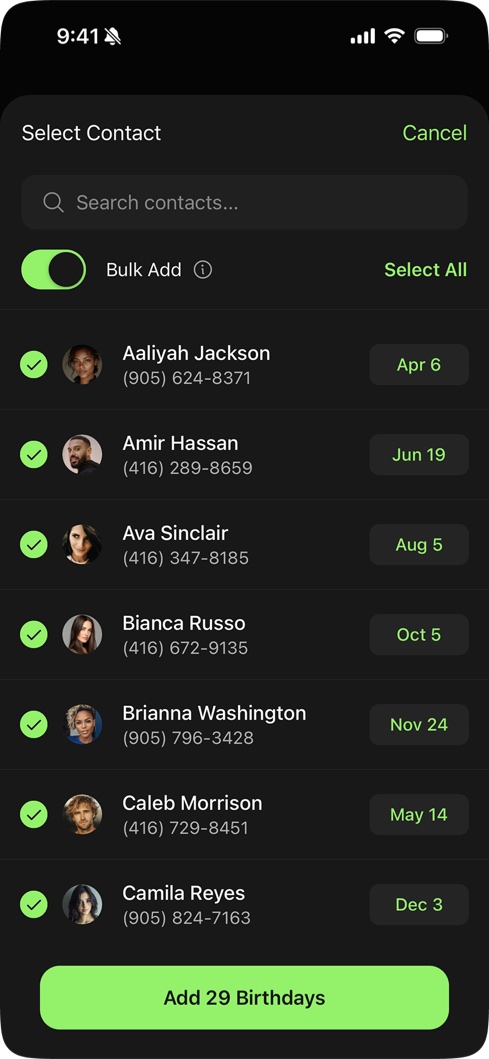
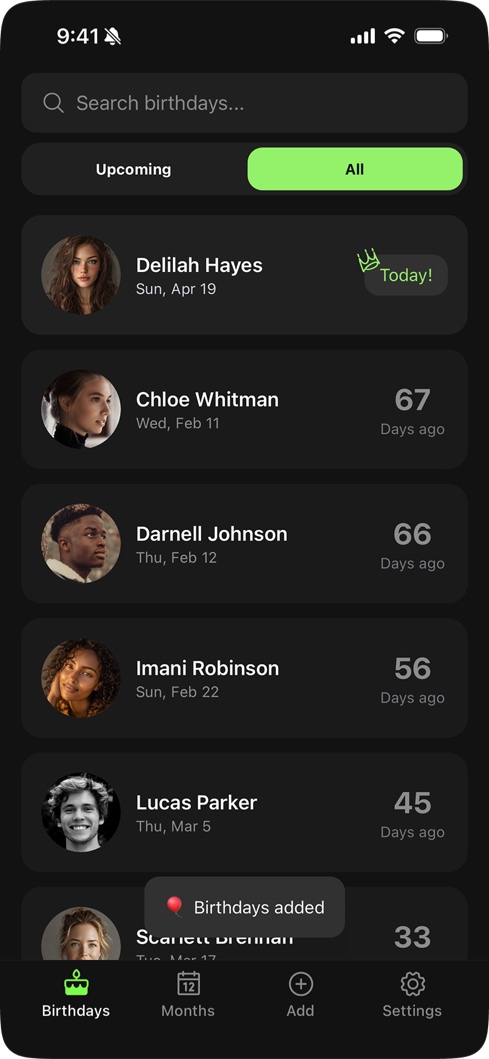
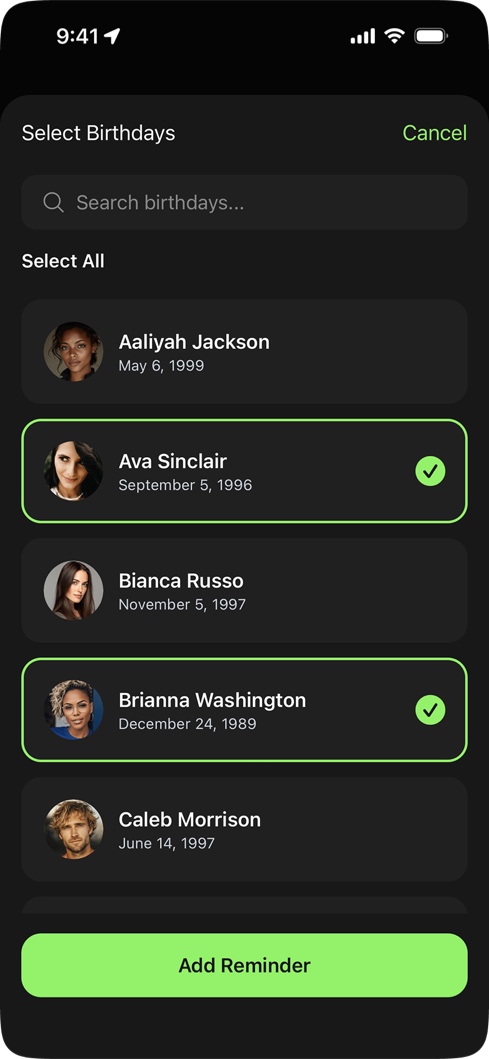
Piñata's answer was Quick Add. Instead of typing everything manually, you tap a contact from your phone or calendar, the birthday info pre-fills automatically, and you hit submit. No typing. Pro users can go further with Bulk Add, which lets them add multiple contacts at once.
Free vs Pro
A lot of birthday apps gate the most basic feature behind a paywall. Add five birthdays, then pay. That's a trust violation. If the fundamental thing doesn't work until you pay, you've already broken the contract.
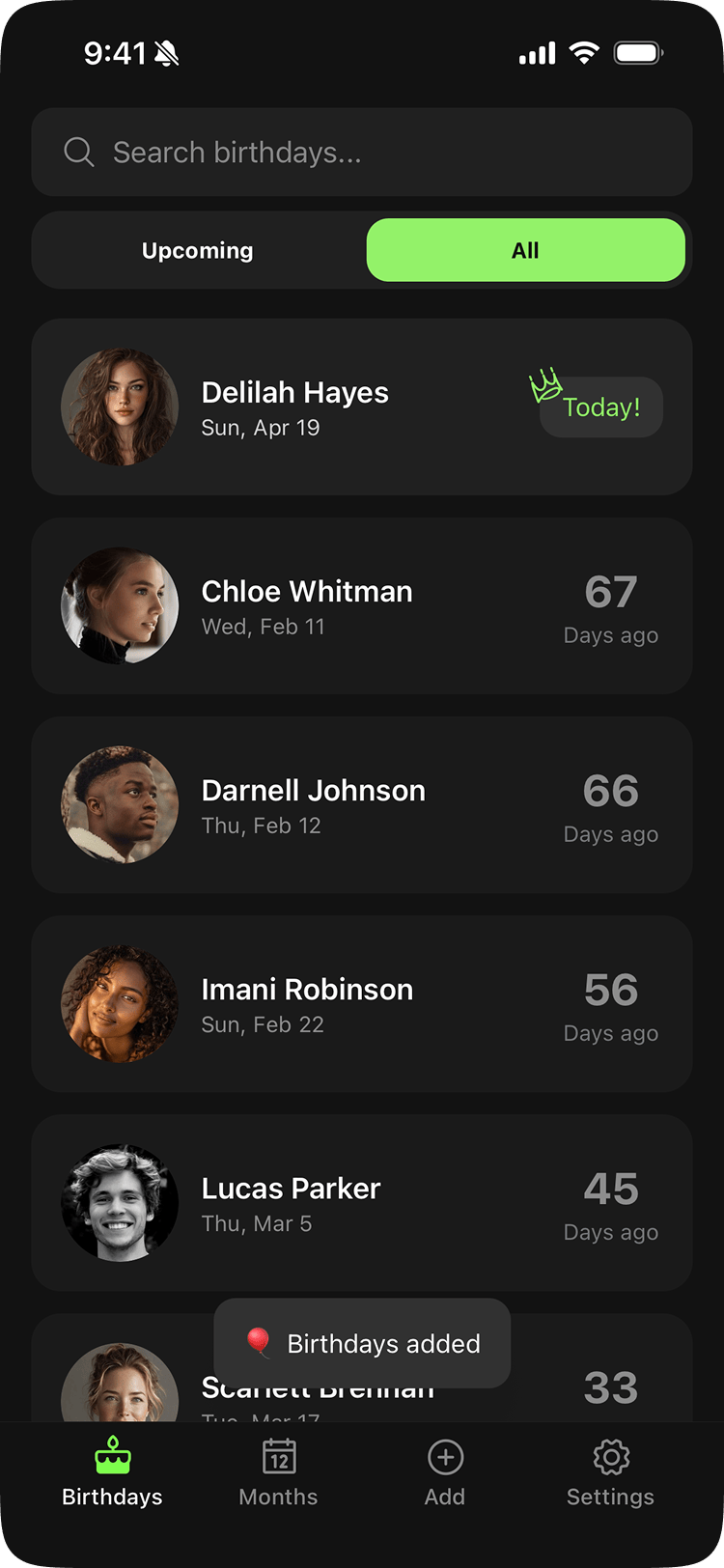
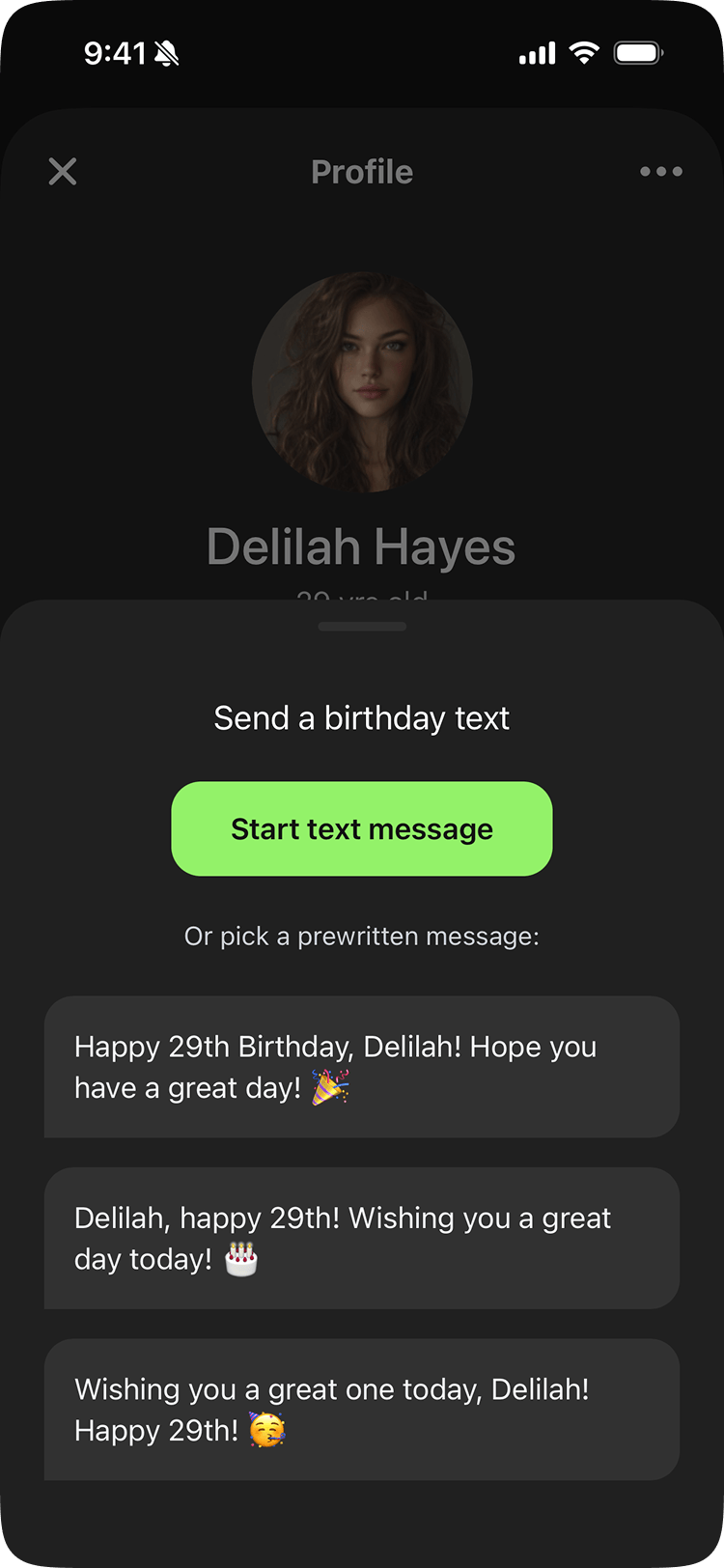
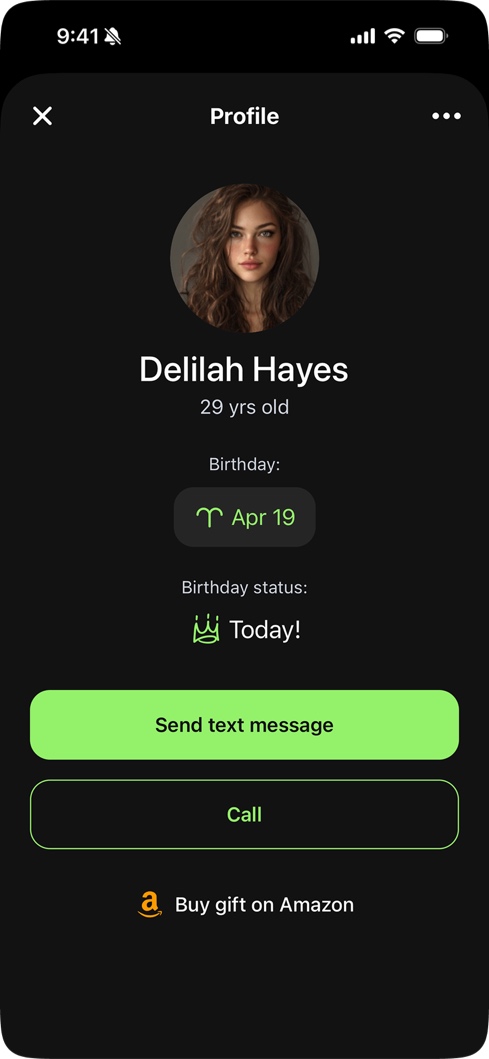
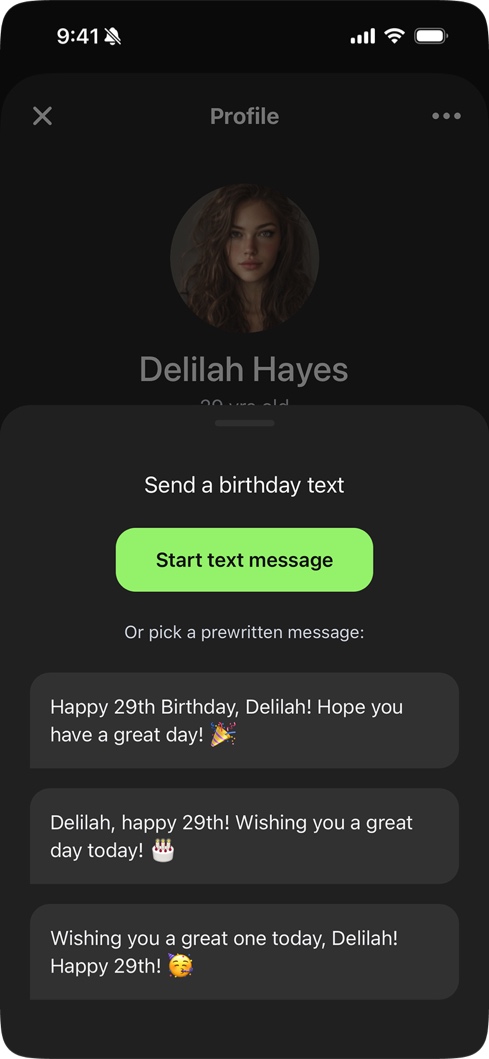
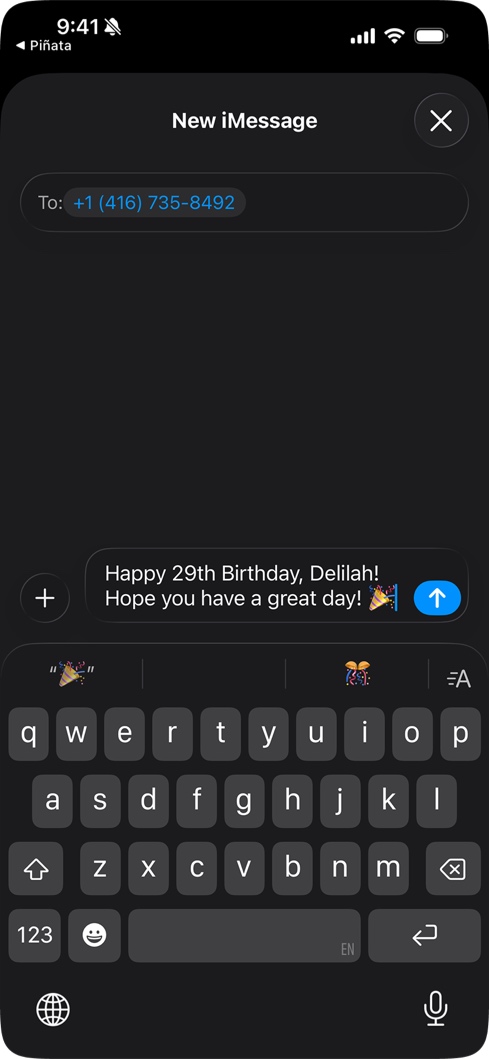
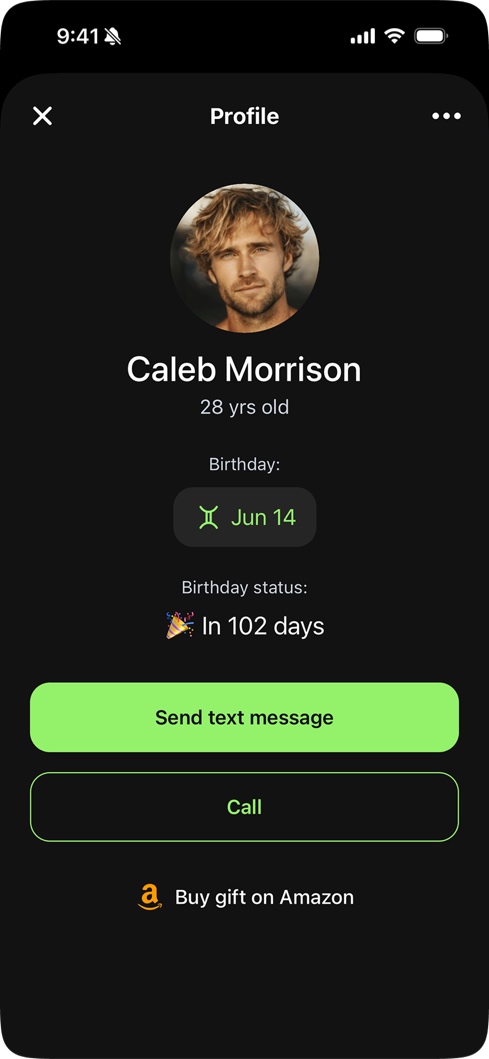
Piñata's free tier gives unlimited birthdays and the ability to start a text or call directly from the app, all without ads. Pro features enhance the experience: early reminders (3-day and 7-day), bulk import, pre-written messages, daily horoscopes, and cloud backup. The result: churn is remarkably low. People keep it, even on the free plan.
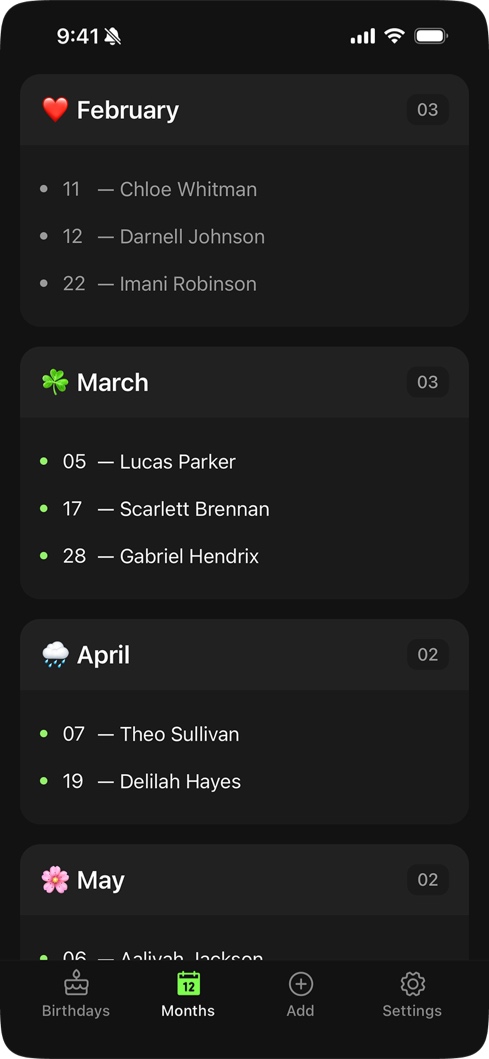
Unlimited birthdays
Bulk import
Pre-written text messages
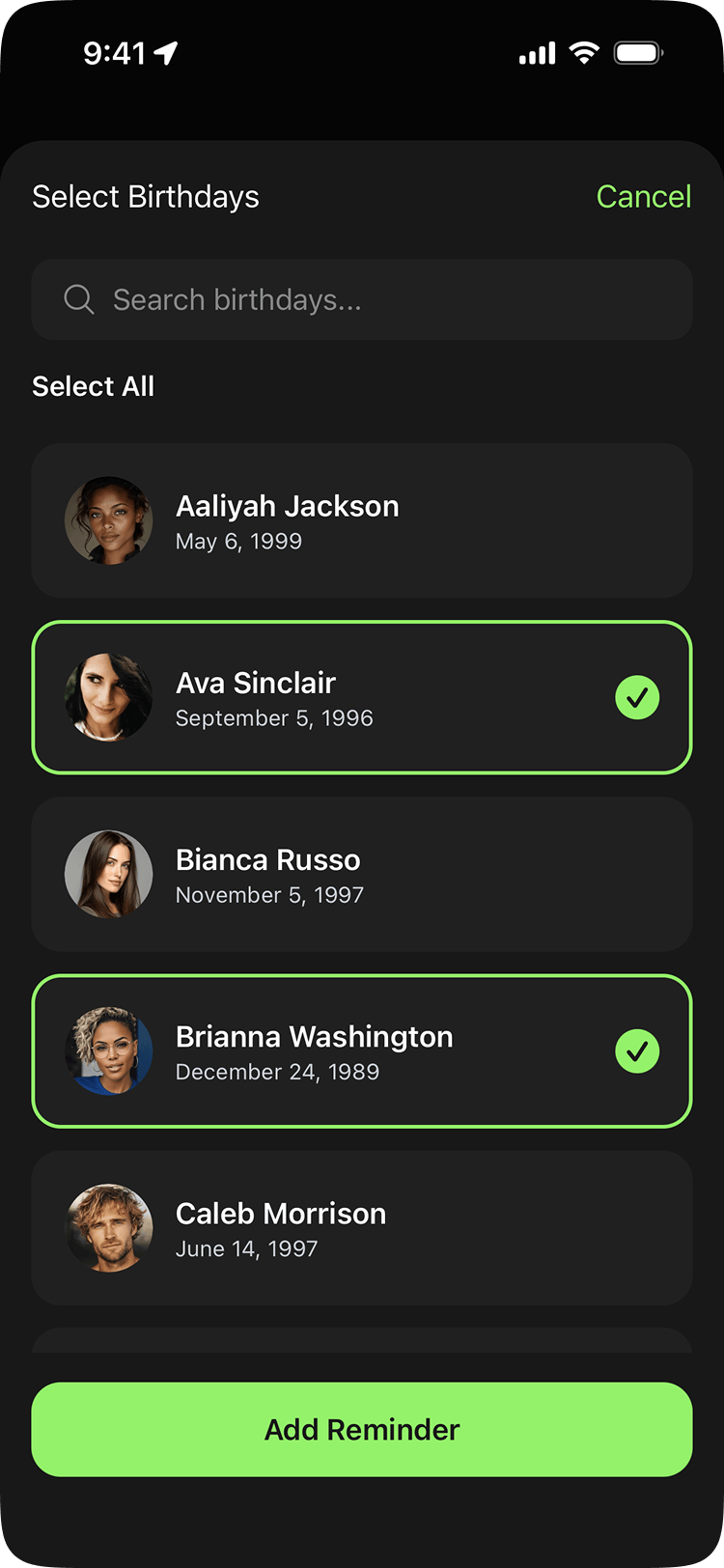
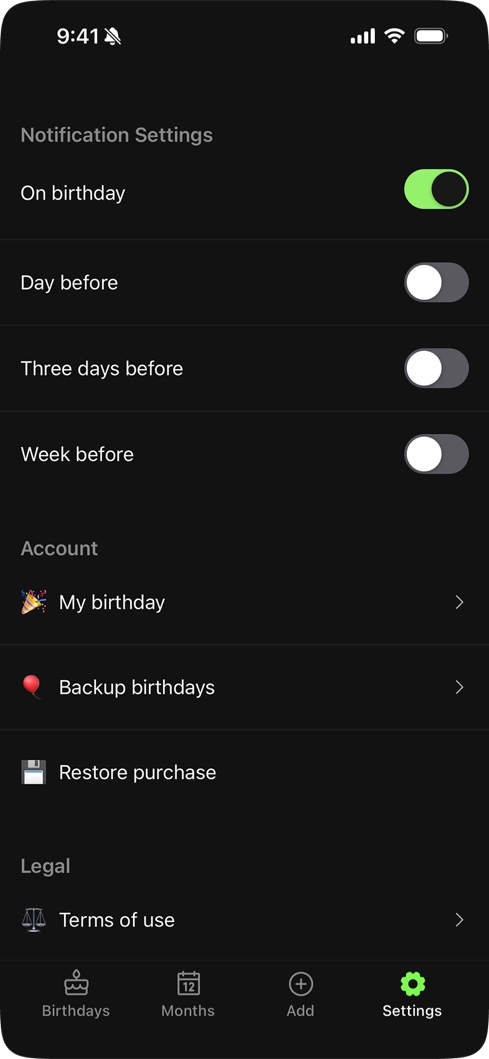
3 and 7-day notifications
Re-engagement
Birthday apps have a re-engagement problem: birthdays don't happen every day. Without a reason to come back, users install, add contacts, and forget the app exists until a notification fires.
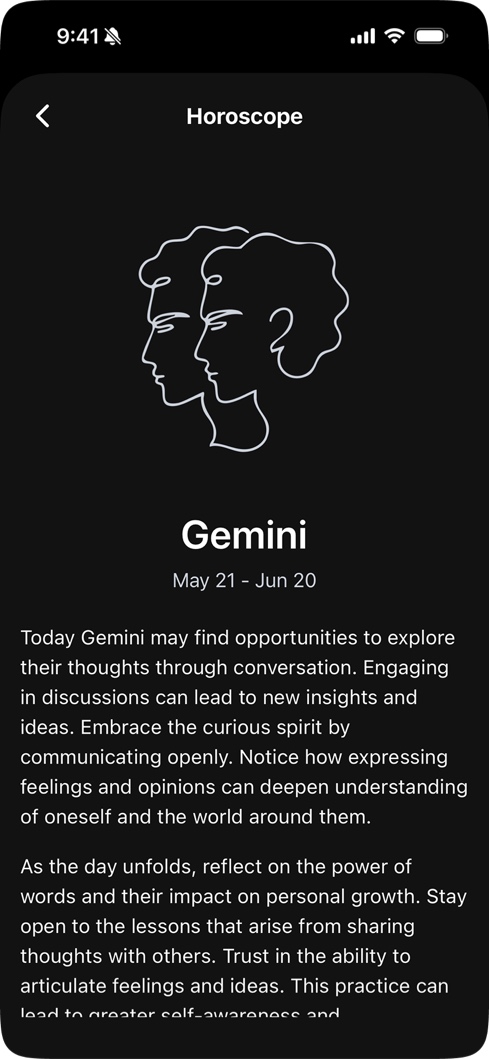
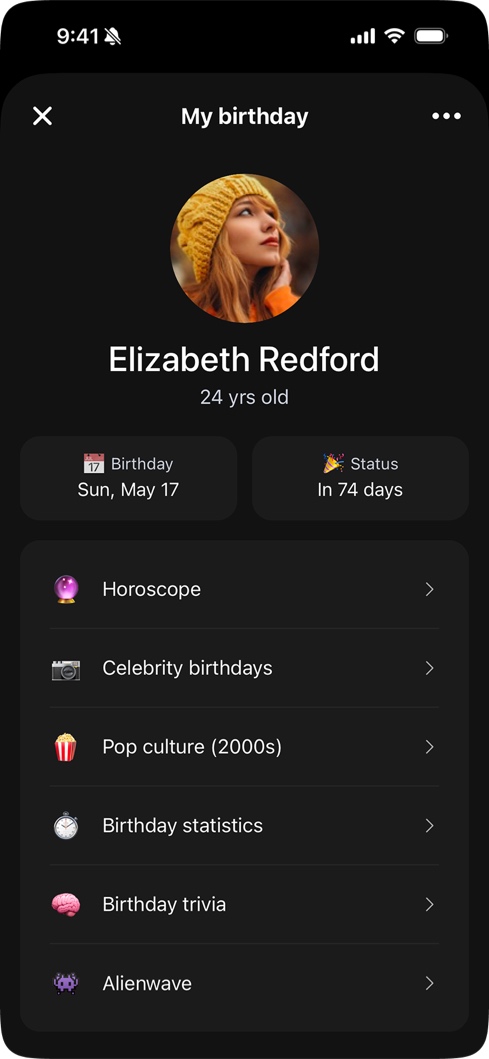
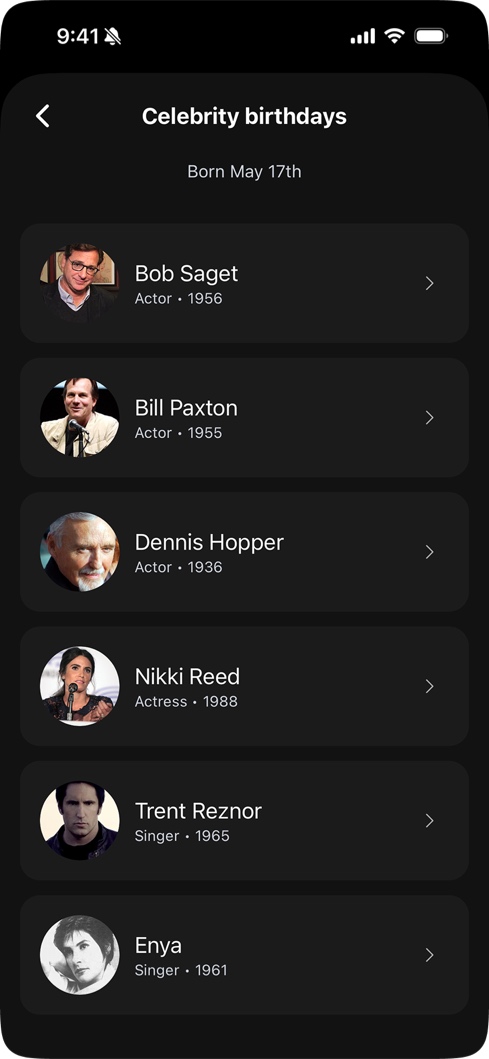
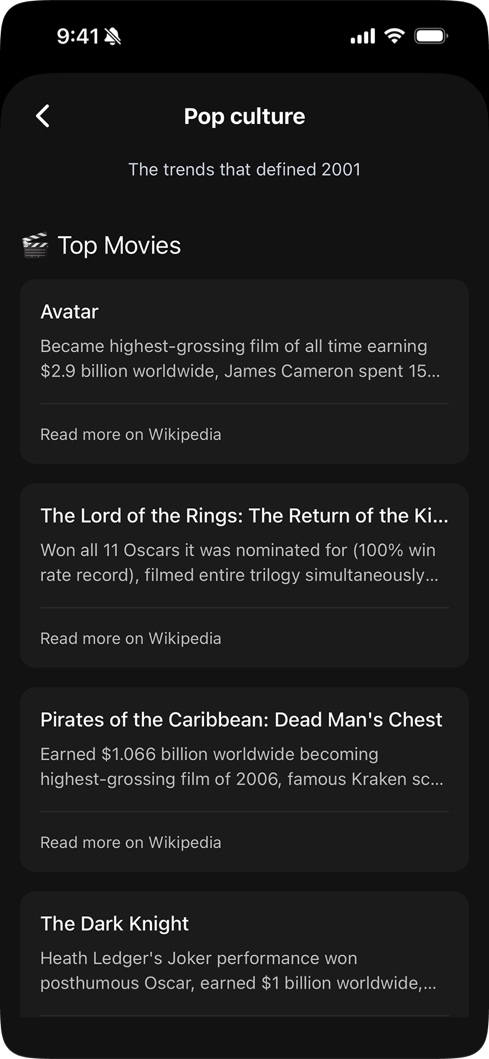
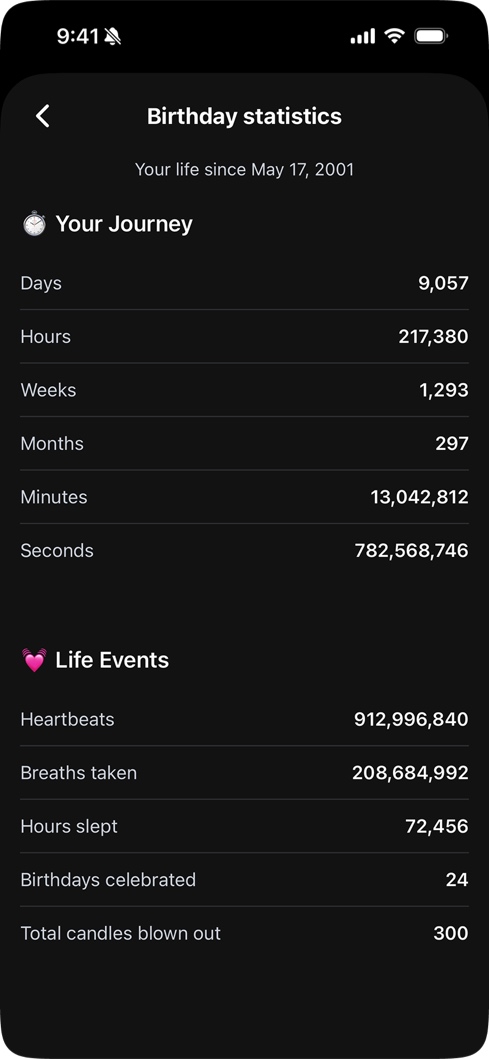
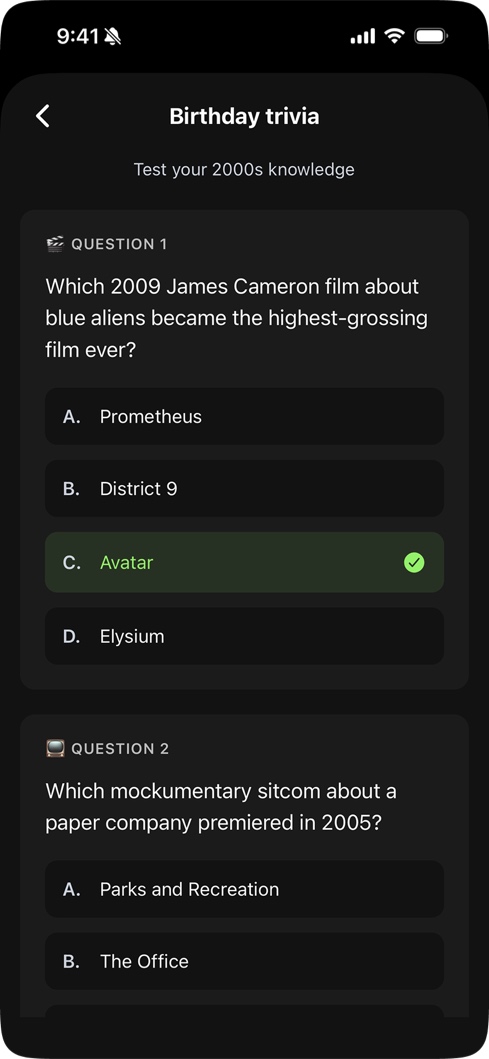
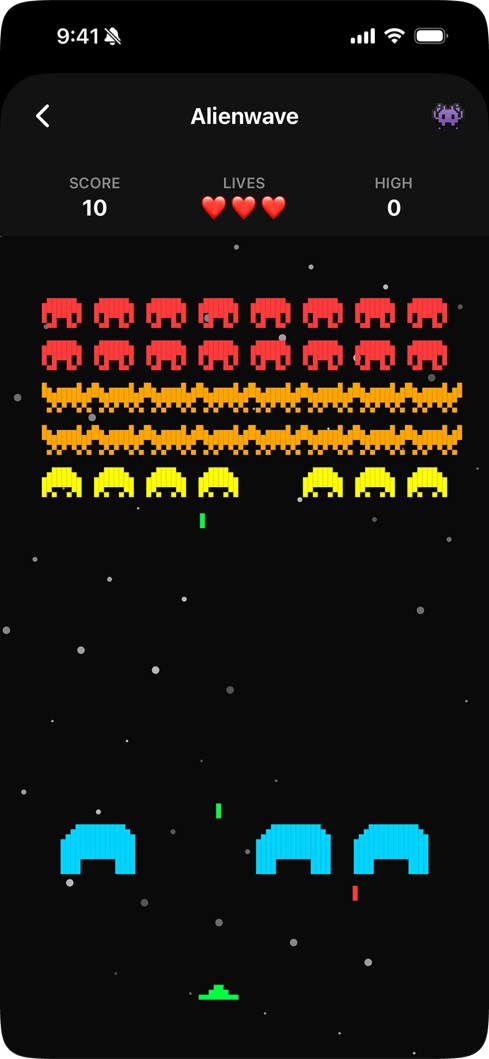
The Birthday Hub was the answer. It's a completely separate experience built around the user's own birthday: a curated list of celebrities who share their exact birthday, pop culture throwbacks from their birth decade, birthday statistics, and a hidden easter egg: a Space Invaders-style game called Alienwave. The daily horoscope is a Pro feature, but the Hub itself is available to everyone. The rest of the app is about remembering other people. The Hub makes it about you.
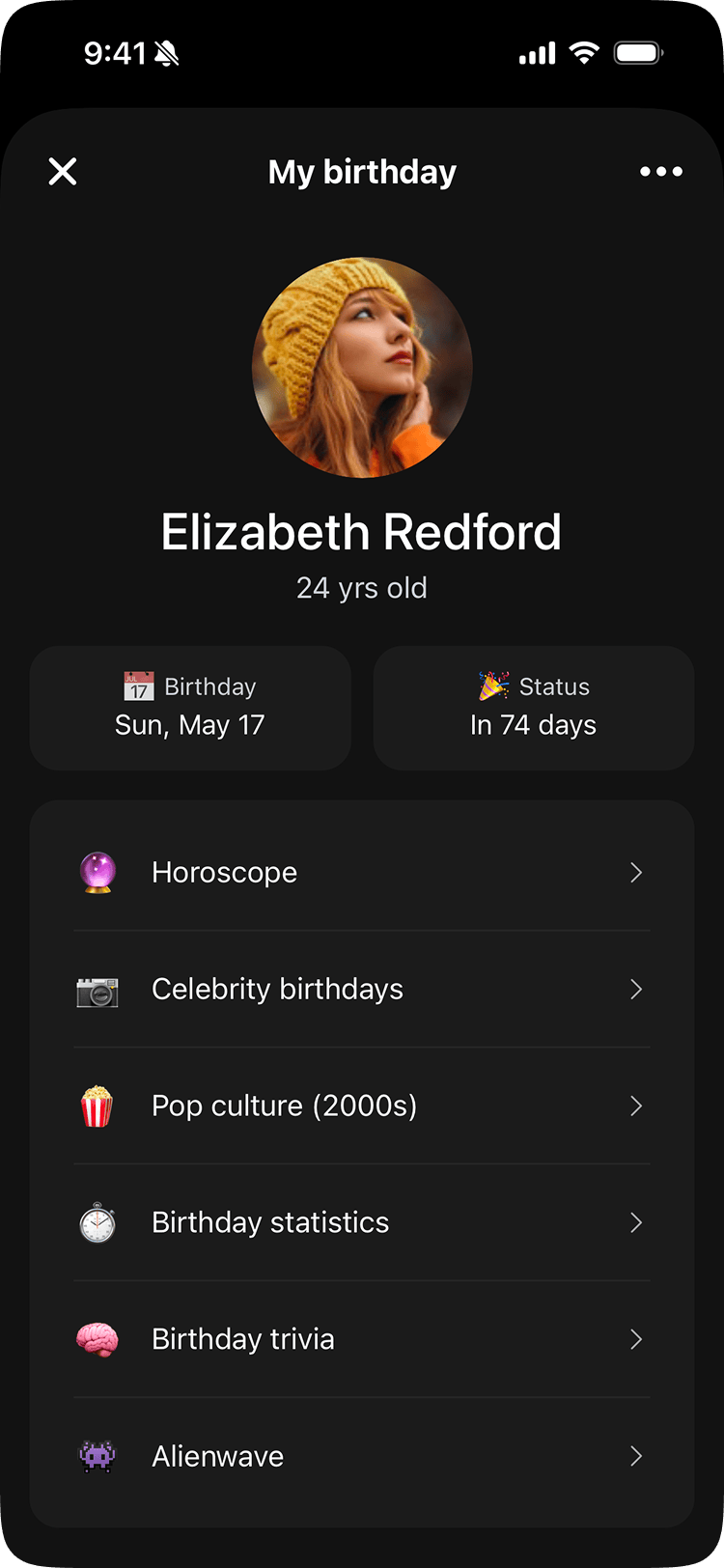
Birthday Hub
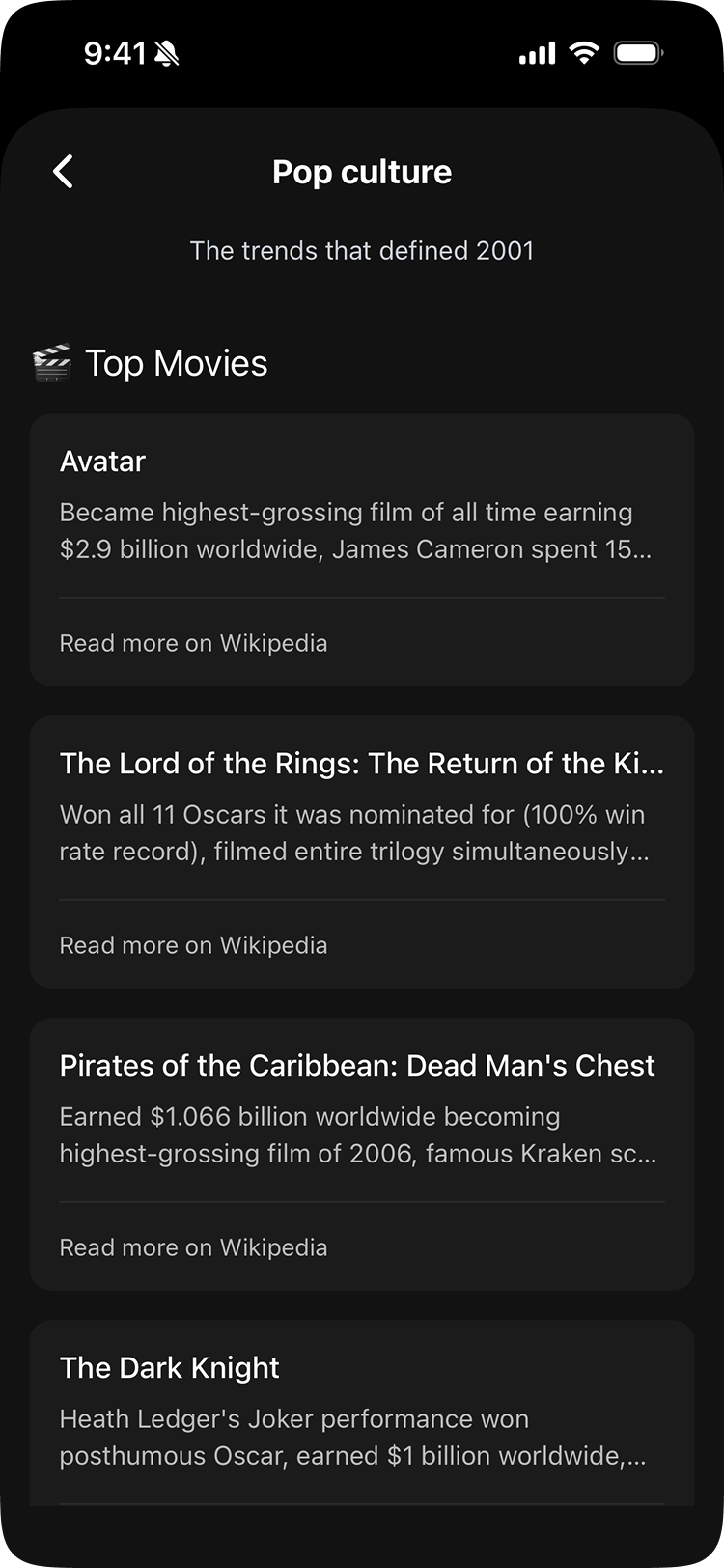
Pop Culture
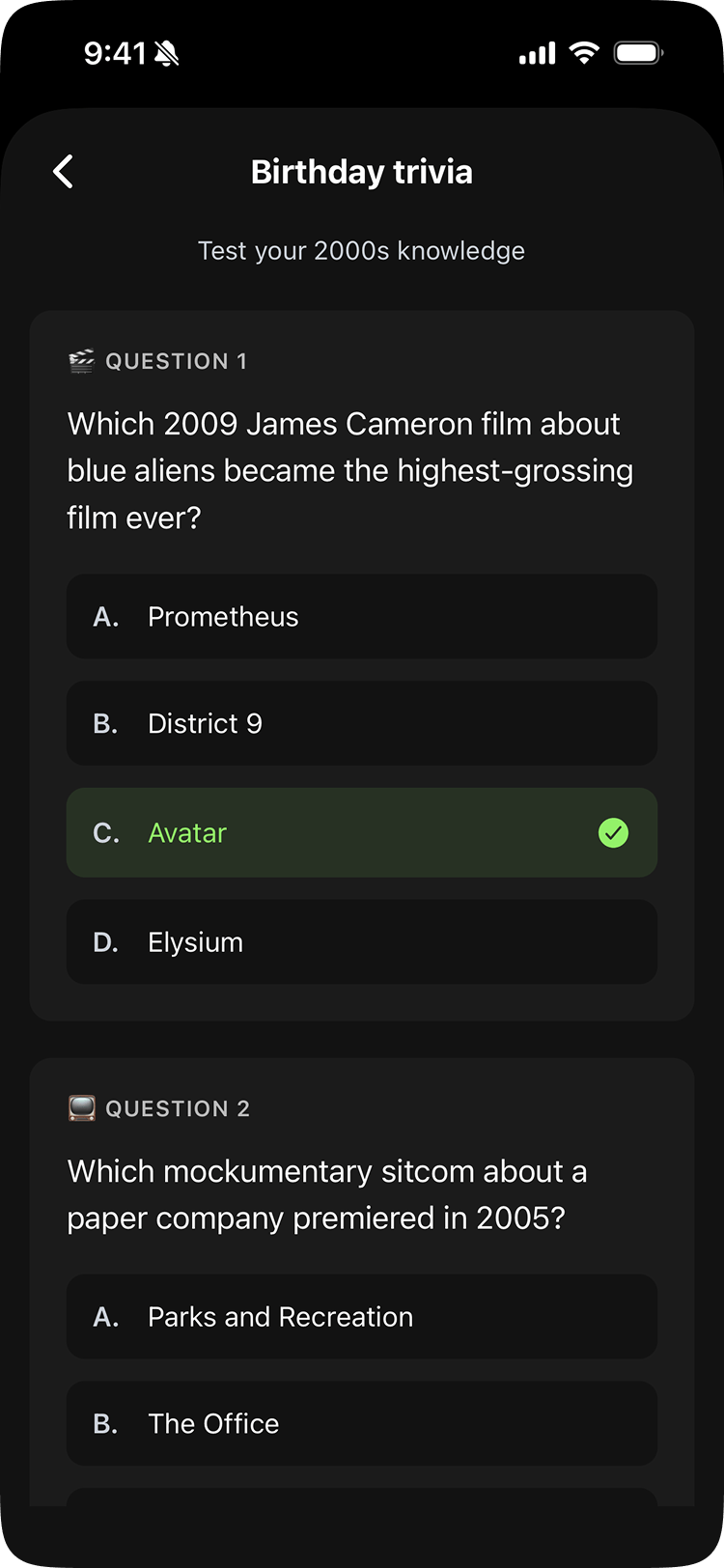
Birthday Trivia
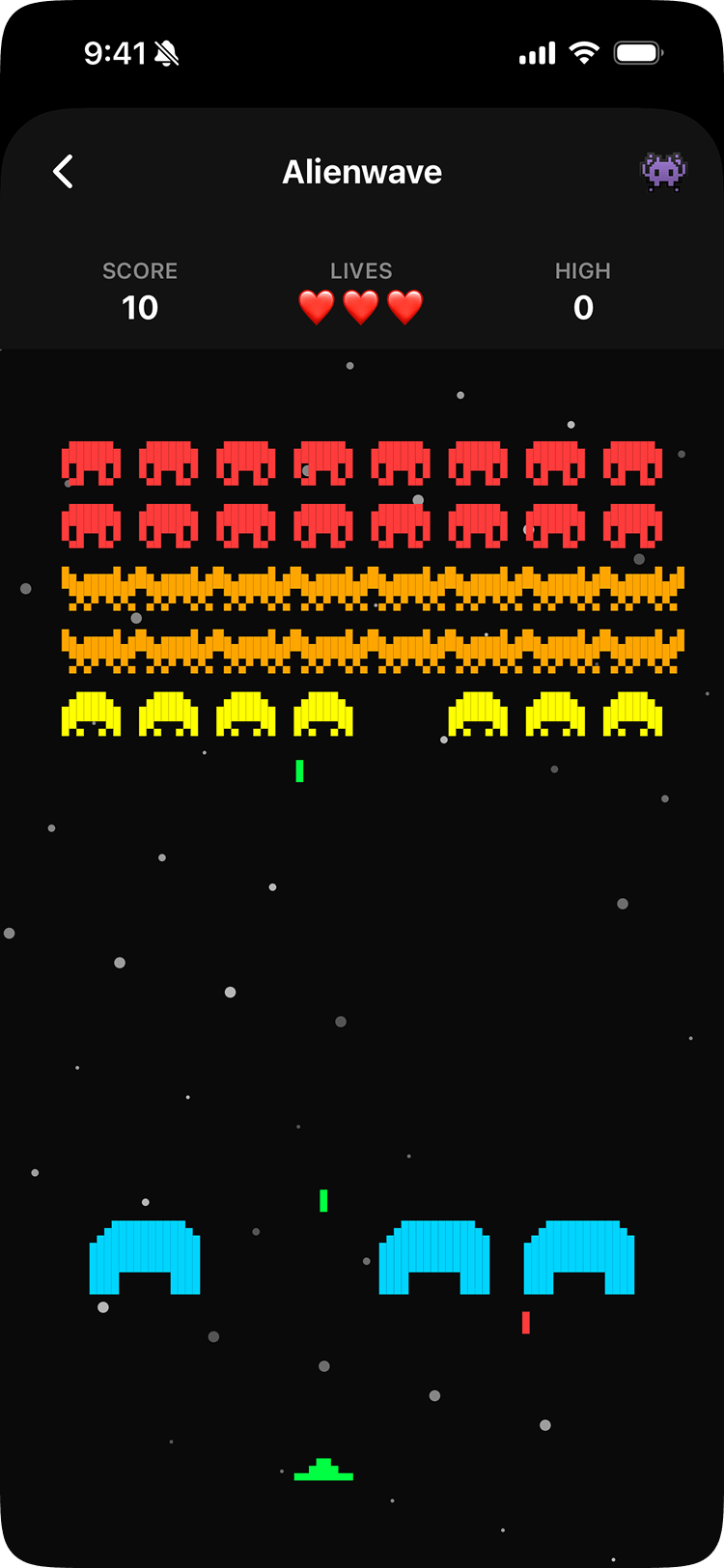
Alienwave
Post-Launch Iteration
Post-launch, a pattern emerged: most iOS users were granting partial contact access, adding a handful of people manually instead of importing their full list. The native iOS dialog gives users no context for why full access matters. What it doesn't explain is that full access is actually the easier path: Piñata can scan all contacts at once and surface the ones that already have birthdays stored, making setup significantly faster.
The fix was a custom screen that appeared before the native iOS prompt. It explained the value of full access, addressed the privacy concern directly (“Piñata keeps your contacts on your device and never shares them”), and nudged toward the better choice. Platform constraints aren't always engineering problems. Sometimes the right tool is copy.
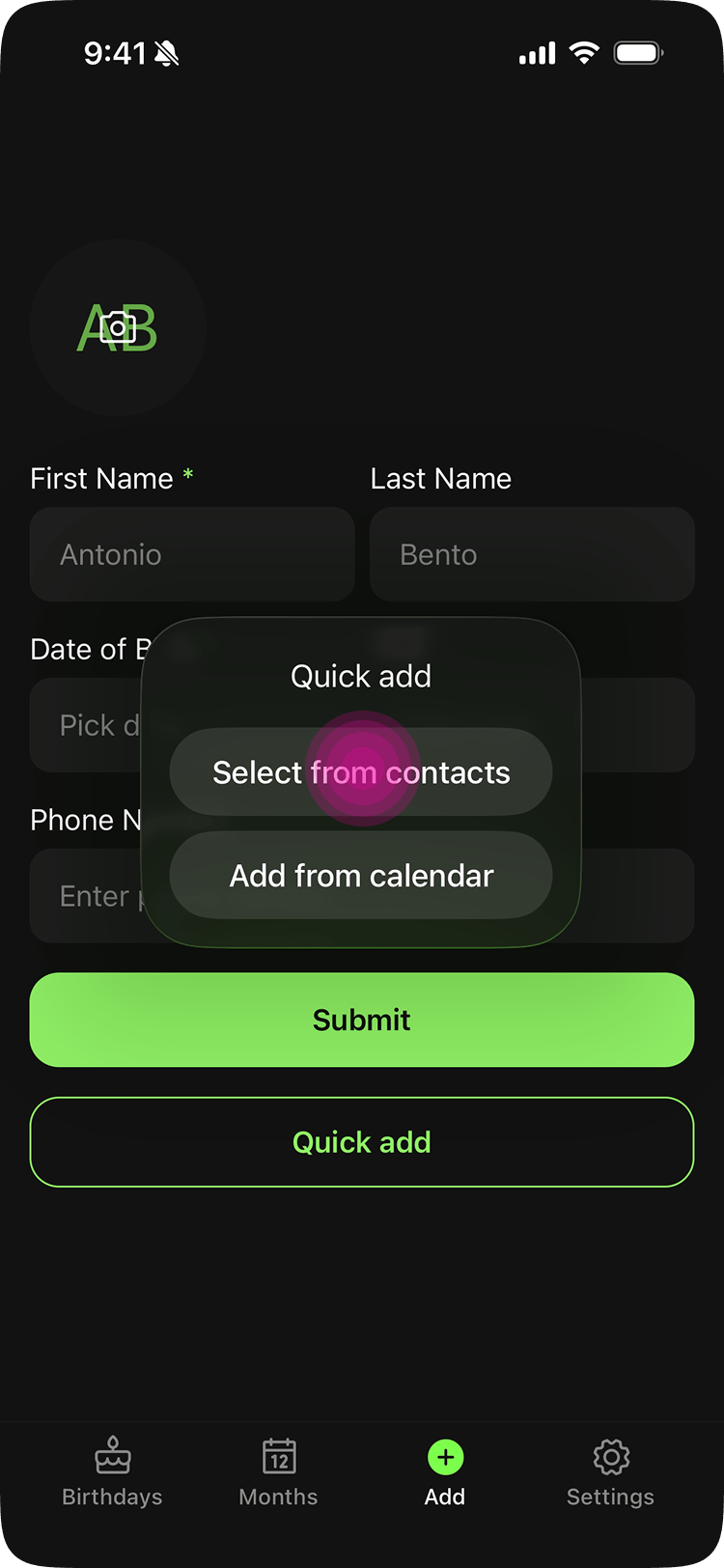
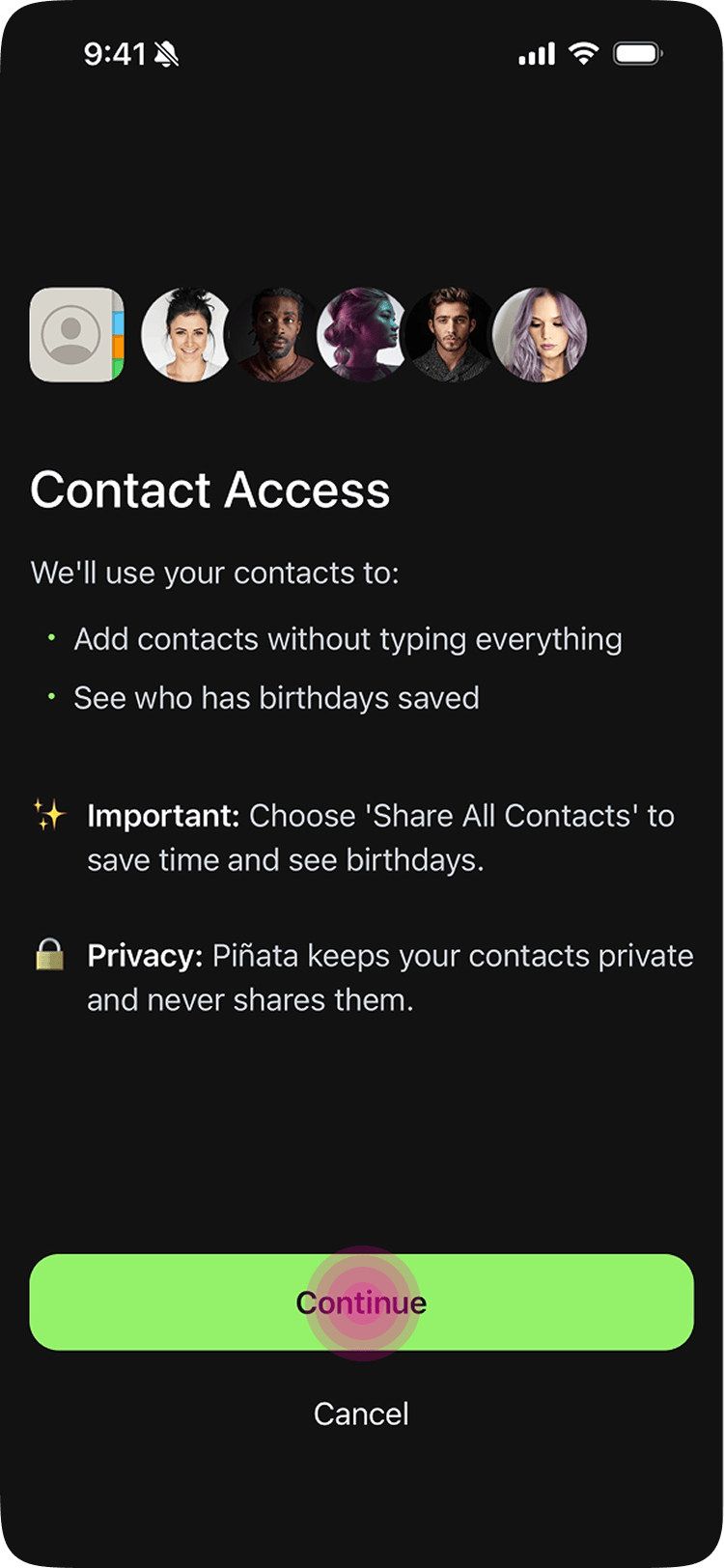
Custom screen (iOS)
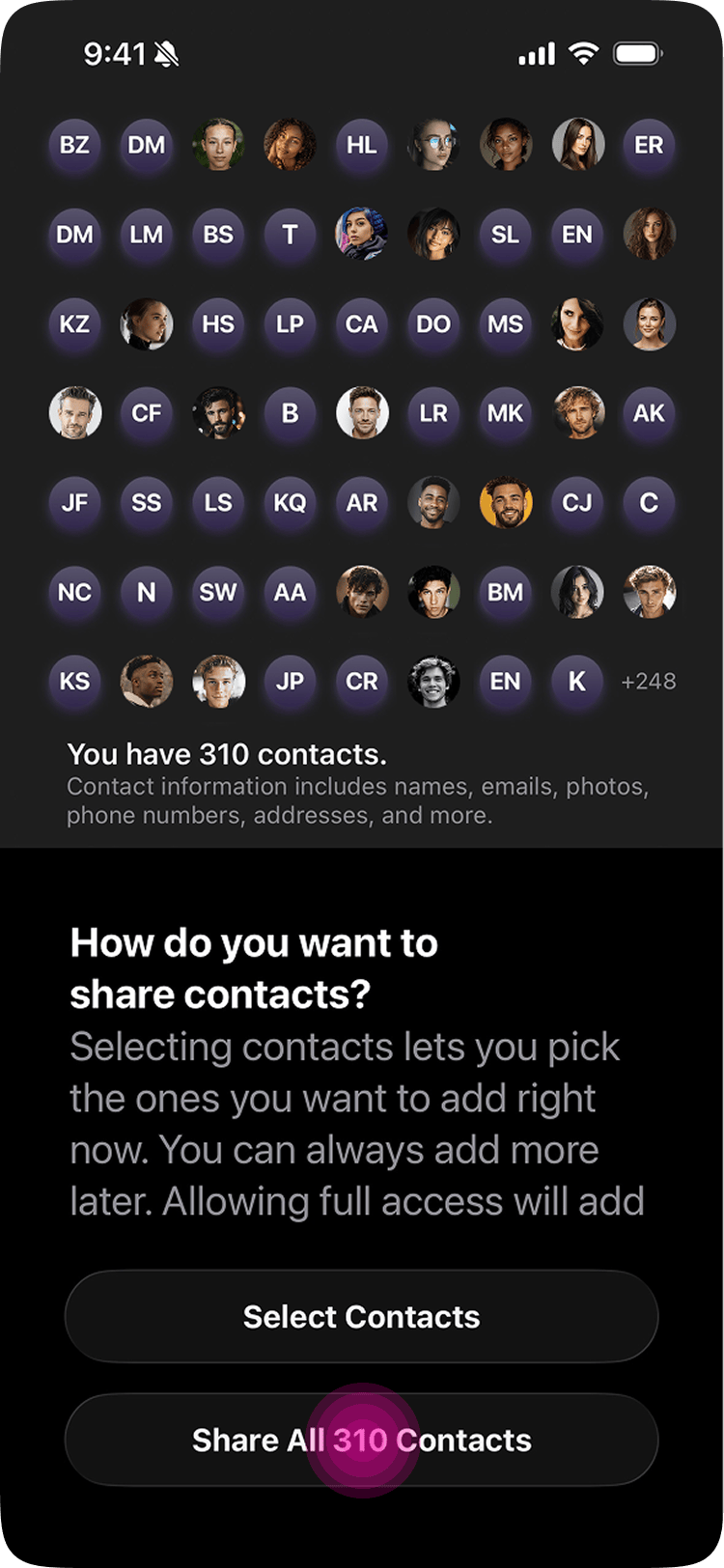
Build
This is the first product I've designed and built end to end. As a product designer, always thinking through flows, edge cases, then handing off to engineers. Piñata changed that. I used Cursor and Claude Code as genuine collaborators, not shortcuts. The workflow: map a flow, build it, hit edge cases, refine, repeat. No wireframes. Direct to working code.
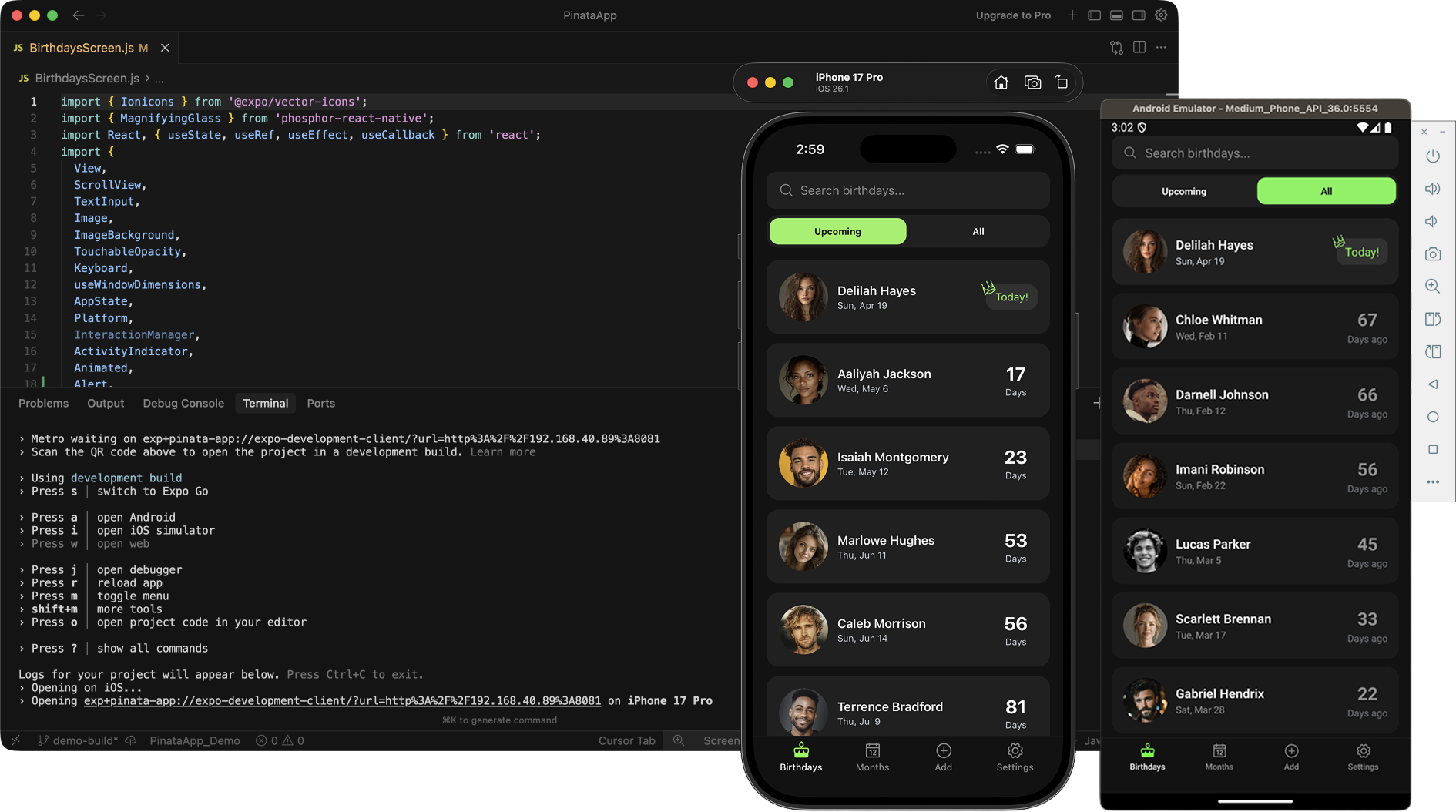
Cross-platform assumptions broke constantly. iOS and Android needed fundamentally different notification architectures. Android requires explicit permissions for battery optimization and exact alarm scheduling. Without them, reminders delay or fail silently. The solution was a two-layer prompt strategy: an in-app request at first launch, with a permanent fallback in settings. A separate notification backend (Notifee) handled Android specifically, running alongside the native iOS notification system.
iOS caps scheduled notifications at 64. For Pro users with large contact lists and all four reminder tiers enabled, that ceiling is easy to hit. The solution was a rolling queue: load the next 64, clear them as they fire, queue the next batch. The kind of problem that only appears when real users start using a real product.
Small features are never small. Adding per-contact notes required multiple redesigns and far more time than expected. That included inline image insertion between paragraphs, persistent storage that survived backups correctly, and platform-specific edge cases like an Android flicker on every new paragraph. The pattern was consistent: features that look cosmetic from the outside are often the hardest to get right.
Results
Piñata launched on iOS in July 2025 and Android in October 2025. Zero paid marketing. Every number below is organic. This isn't a volume story, it's a quality story built entirely on word of mouth.
All figures as of March 17, 2026.

#10 Product of the Day (Product Hunt)
136 upvotes, 27 comments (Oct 2025). Competing on merit with funded startups.
The 33+ countries stat led directly to a product decision. Installs were coming from non-English speaking markets, and most competitors were English-only. The next release adds Spanish, French, Portuguese, German, and Italian. This matters beyond translation: if the app is in English but a user texts their friends in Spanish, the pre-written birthday messages are useless and they won't upgrade to Pro. Localization opens new markets and fixes the Pro value proposition at the same time.
"New app, but already feels polished. Everything's simple and clear. Just what I want from a birthday reminder. Looking forward to using it more over time. I just love the little donkey logo too. So precious."
 Paul
Paul"This is one of those apps you'll love to just have on your phone for when you need it. Beautifully designed."
 Bill
Bill"Just started using this and I already love how simple and well designed it is. Adding birthdays takes seconds and everything feels super clean. Awesome job."
 Makayla
"I've only been using this app for a little while but I already love it. It makes it super easy to keep track of birthdays. It's simple, clean, and just works. Honestly feels like one of those apps that quietly makes your life better."
 Michael
"I've tried dozens of birthday apps and this one is by far the best I've ever used. Upgraded to the paid version and it's absolutely worth it."
 Eddie
Eddie"What a joy to use Piñata Birthday Reminder. From the moment I opened the app, everything felt intuitive. I added birthdays in seconds, and the attention to usability and design really stands out."
 Daniella
Reflections
What Surprised Me
Users on the free plan saw real value and didn't uninstall. That validated the approach: give the core value away completely and earn upgrades by being genuinely useful, not by locking features behind a paywall.
What I'd Do Differently
I'd use Flutter instead of React Native. React Native's bridge architecture means iOS and Android handle things like notifications differently at the native level, which is exactly why I needed a separate notifications library just for Android. Flutter renders its own UI so it behaves consistently across both platforms by design. That alone would have saved significant time. I'd also configure Firebase Analytics to exclude dev builds before launch. Untangling that retroactively took weeks.
What It Proved
A designer with the right tools can take a product from concept to launch on both app stores. AI didn't replace the thinking, it just removed the ceiling between design and development. Piñata is the proof.
Other works