Goldfish
Mobile App
Employee Engagement
A gamified engagement app for Bowlero's frontline staff. Built from the ground up to improve sales, reduce absenteeism, and drive quiz completion.
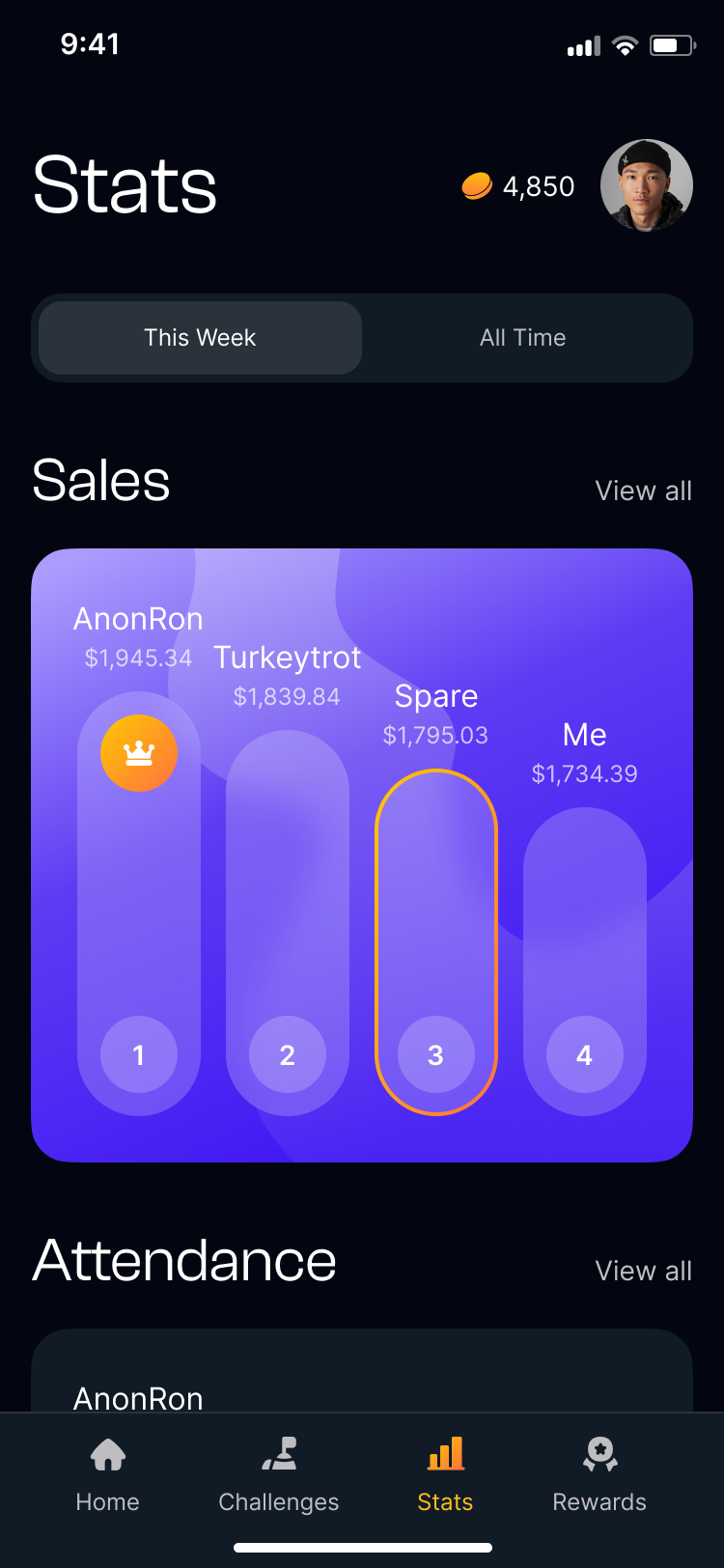
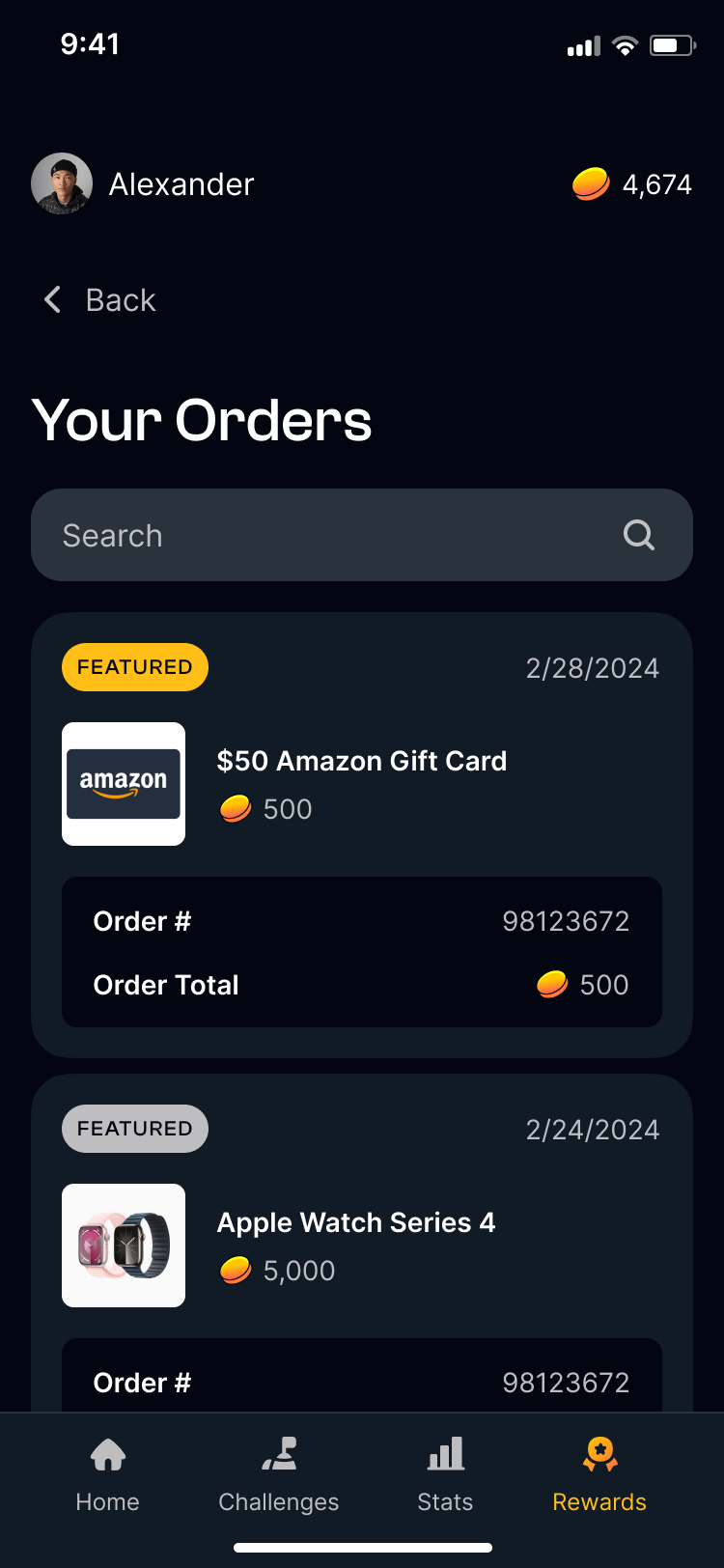
Context
Bowlero's hourly staff had no way to track performance or stay informed about their center. An earlier version was underway. Bowlero weren't satisfied with the direction. They came to Heyo to start from scratch.
- 300+ locations, thousands of hourly employees across different roles and ages
- Needed to move: F&B sales, employee attendance, and quiz completion
- The earlier version had no research behind it and no clear hook for employees
Role
Lead role spanning design and de facto project management: scheduling, stakeholder communication, and team coordination.
Lead Product Designer, Heyo
- End-to-end UX across all flows and screens
- Research: personas, journey maps, card sorting, and user flows
- Information architecture and navigation structure
- Design system, high-fidelity UI, and team design direction
- Illustrator and animator direction
- Developer handoff: feature requirements documentation and specs
Requirements
Before any design work began, I mapped the full feature scope with stakeholders. These requirements were defined at kickoff as a shared checklist to keep the team aligned throughout.
Research
Bowlero employs thousands of hourly staff across different roles, ages, and levels of experience. Four personas and customer journey maps grounded every design decision in a real employee.
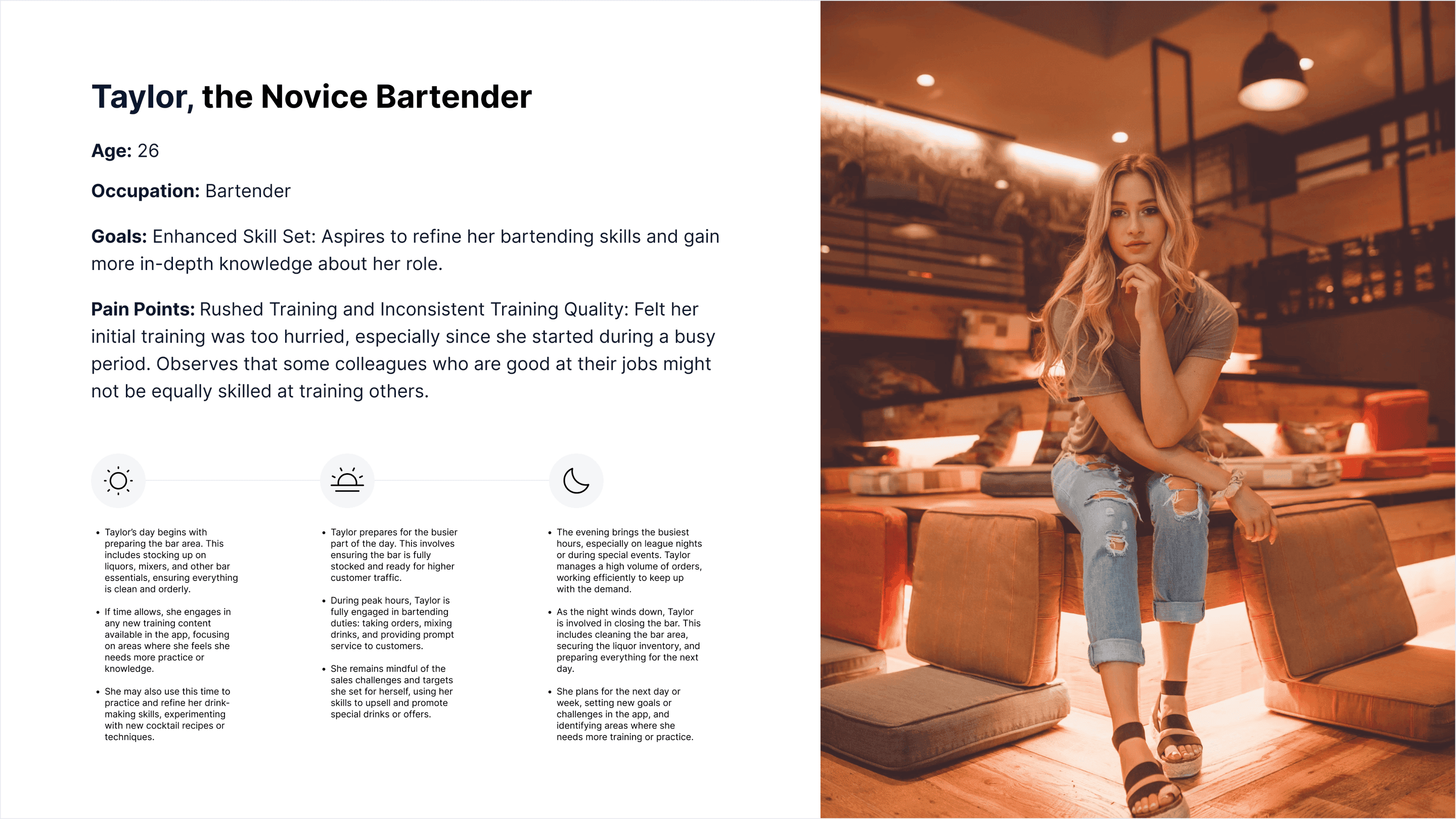
Personas
Taylor, the Novice Bartender
Using the Goldfish app for the first time to get onboarded and start accumulating coins to redeem prizes.
| Awareness | Onboarding | Taking Quiz and Viewing Challenges | Accumulating Coins | Purchasing Item | |
|---|---|---|---|---|---|
| Actions | Manager announces app. Downloads app on their phone. | Signs in with their Bowlero ID. Completes initial set-up. | Finishes quiz. Looks through challenges. Learning from veteran employees. | Checks progress on sales and challenges. Looks through the reward store to see what they want to get. | Once enough coins are earned, they decide to purchase an item. Receive the item in the mail. |
| Expectations | A way to grow and learn. Ability to earn extra money and prizes. | Easy and quick. | To learn new things. Challenges tailored around skill level. Supplement to job experience. | It will take a lot of time to get enough coins for a valuable item. | Items that can be easily redeemed with fewer coins. Quick and easy checkout. Ability to choose shipping location. |
| Thoughts | Nervous. Training felt insufficient. Wondering if she will do well as a new employee. | Reassured that the app is only accessible at work. | Wants to do a good job and prove herself. Are there consequences for not completing challenges? Can I use this to leverage a promotion? | Gaining confidence from consistent small wins. I'll be content with smaller value items. | Enjoys being rewarded and affirmed. This feels like a nice bonus. I've never worked somewhere that rewards their members like this. |
| Emotion | 😐 | 😊 | 😊 | 😊 | 😊 |
Customer journey map
Scroll to see all stages →
Caleb, the Porter
Typical shift interaction with the Goldfish app.
| Start of Shift | App Home Screen | Daily Quiz and Challenge | Checking the Leaderboard | |
|---|---|---|---|---|
| Actions | Caleb opens the Goldfish app as he begins his shift. He logs in using his credentials (Bowlero). | After logging in, Caleb is directed to the home screen. He sees a dashboard with key information for Porters (Quiz and Daily Challenge). | Navigates to the daily quiz and challenge section. He sees the daily quiz question and challenge for the day. | At some point during his shift, Caleb checks the leaderboard section. He views his ranking compared to other porters in terms of coins earned. |
| Expectations | Expects the app to provide information relevant to his role as a Porter. Hopes to receive updates or notifications about any special tasks for the day. | Expects the home screen to display important updates or announcements from the manager. Anticipates seeing any urgent tasks that need his attention. | Expects a fun and engaging daily quiz and challenge he can complete during his shift. Anticipates earning coins as a reward for completing these activities. | Expects an updated leaderboard reflecting the current standings of all porters. Hopes to see his name and coin total prominently displayed. |
| Thoughts | Thinks about the tasks he needs to complete, such as checking bathrooms and maintaining cleanliness. | Thinks about how efficiently he can complete his tasks based on the information on the home screen. | Thinks about how he can quickly answer the quiz and complete the challenge while balancing his other responsibilities. | Thinks about his performance compared to his peers and how close he is to reaching the top of the leaderboard. |
| Emotion | 😐 | 😊 | 😐 | 😐 |
Customer journey map
Scroll to see all stages →
Decisions
A dashboard gives people a reason to look, not a reason to come back. Challenges, coins, and a leaderboard tied the core loop to daily motivation and gave employees a reason to open the app at the start of every shift.
The original navigation grouped everything by feature type. Card sorting revealed that employees thought by task, not category, so the model was rebuilt around what they needed to do.
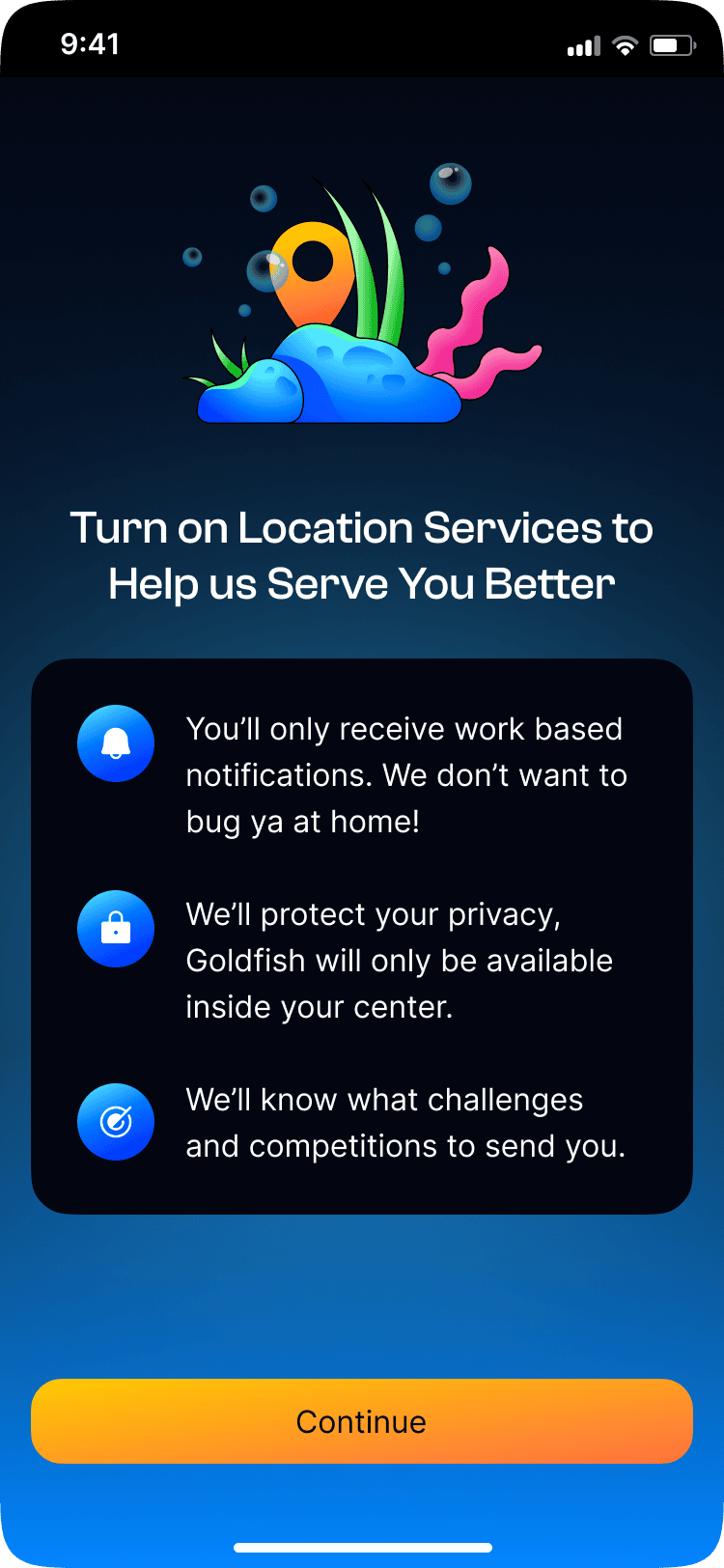
Full access off-site would blur the line between a work tool and a personal obligation. Location-based access kept shift data at work and made clear the app belonged to the work day.
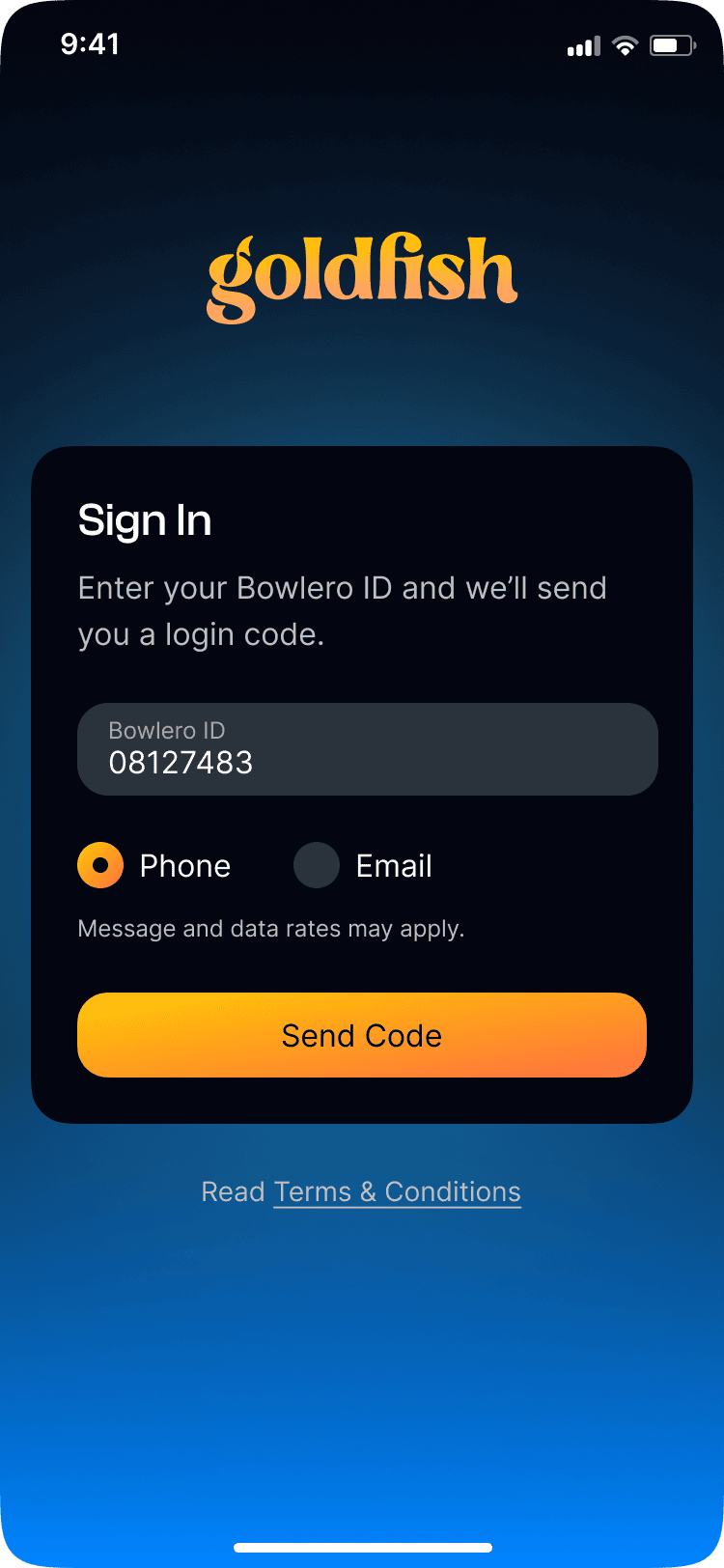
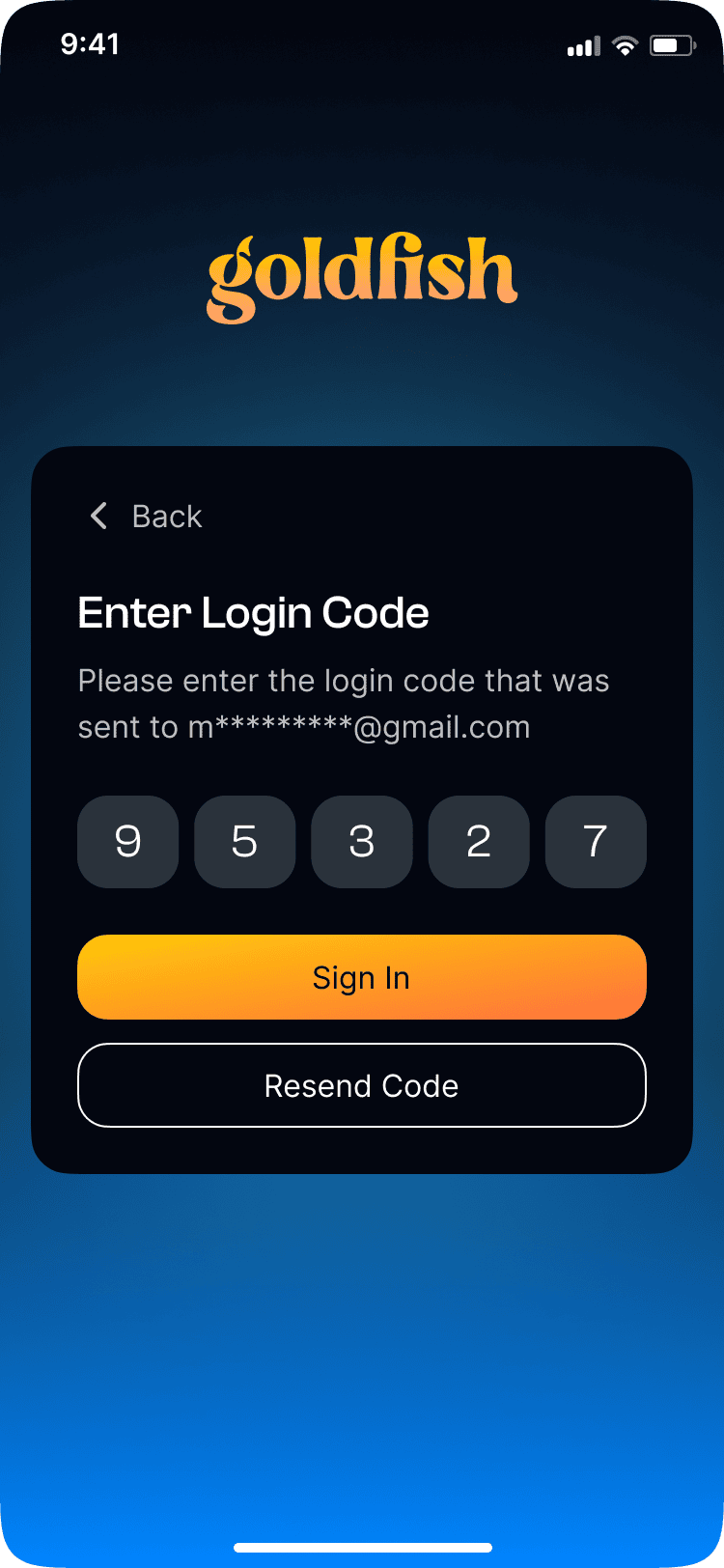
Hourly workers starting their shift have no patience for account creation. Tying authentication to the Bowlero ID system let employees reach the core loop without a new account.
Onboarding (Prototype)
Shipped
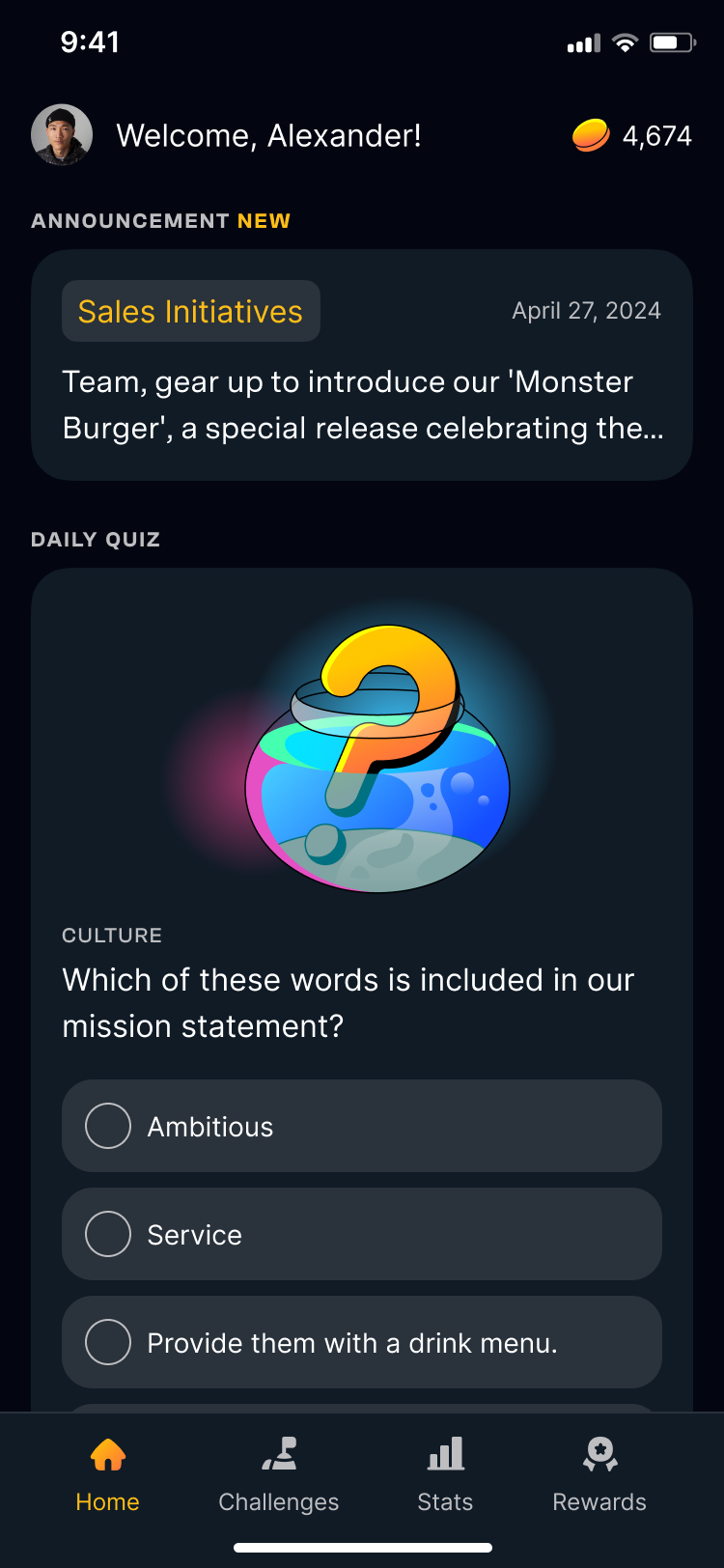
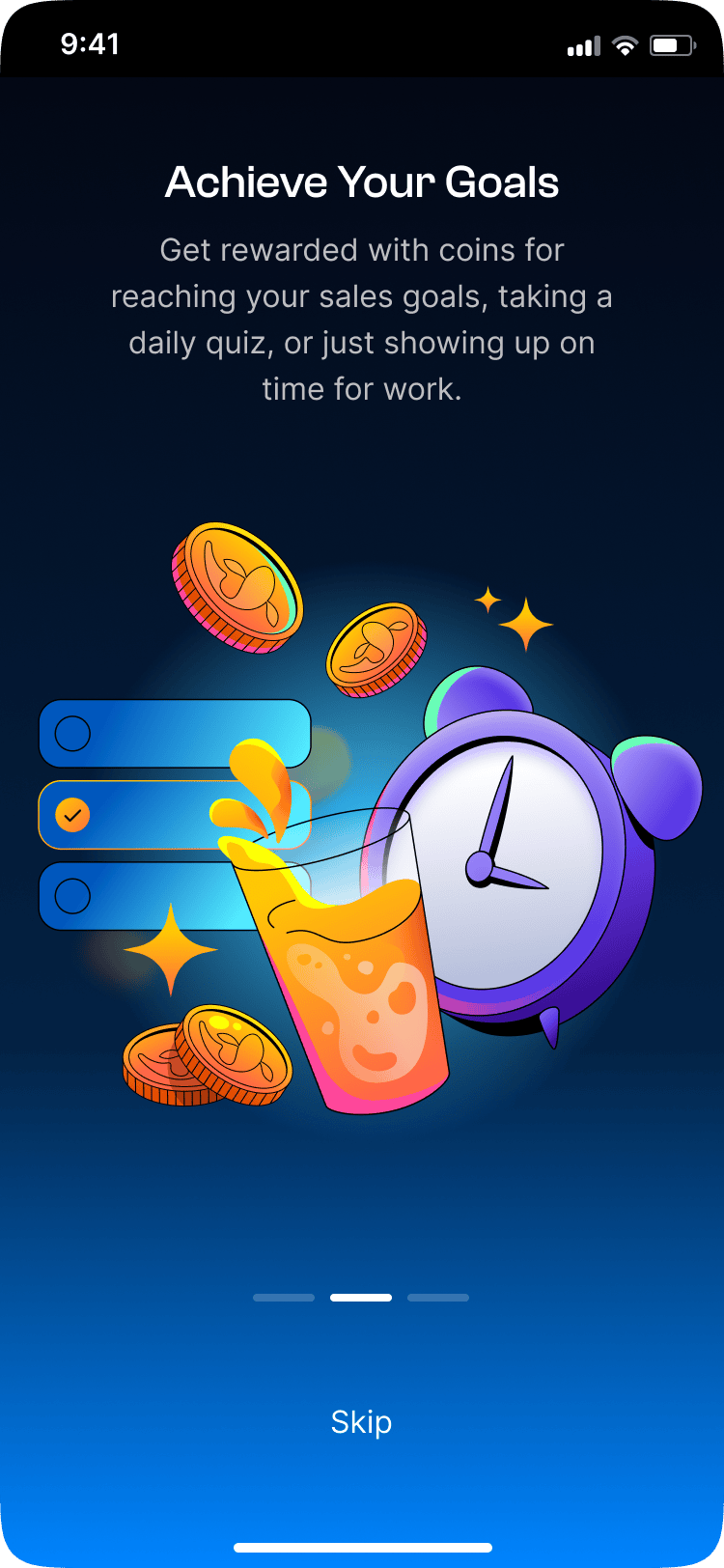
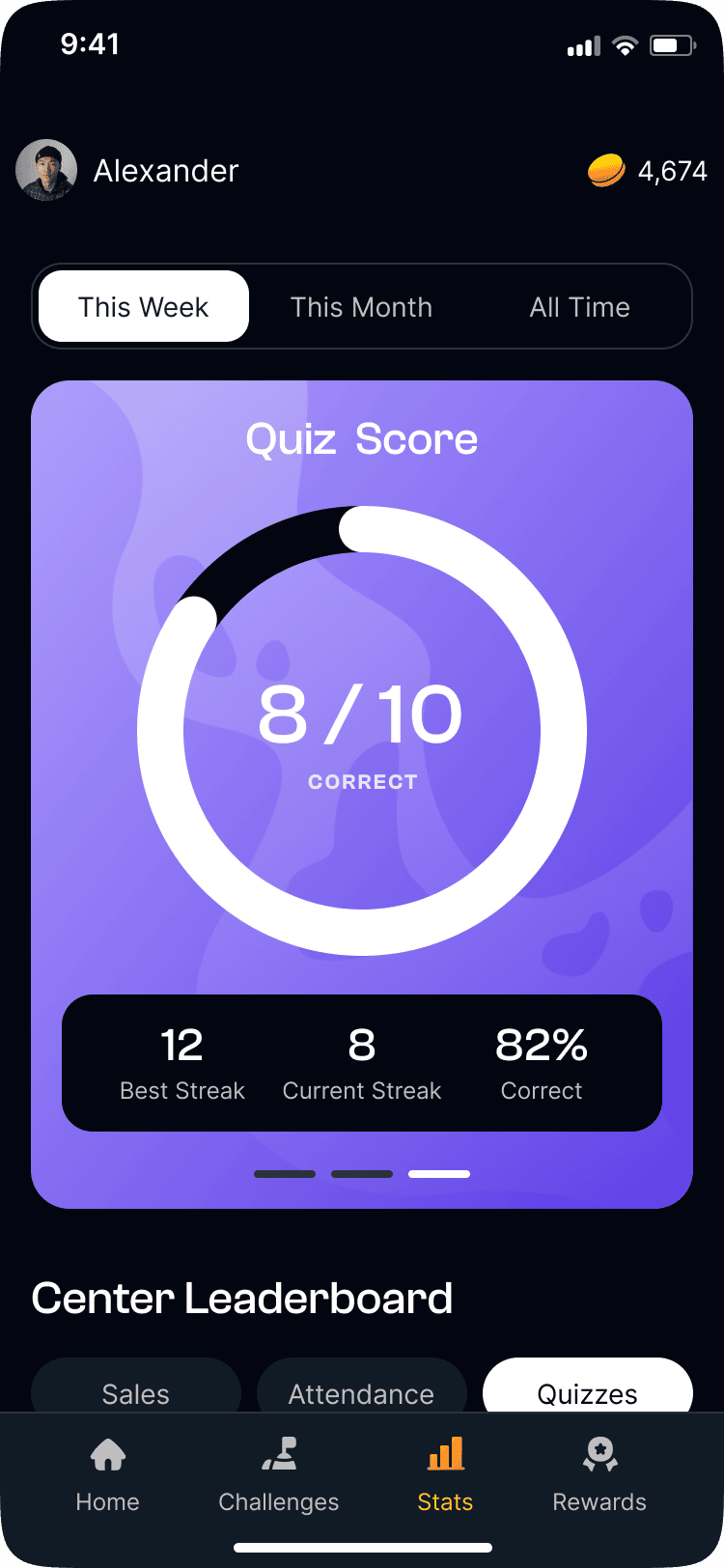
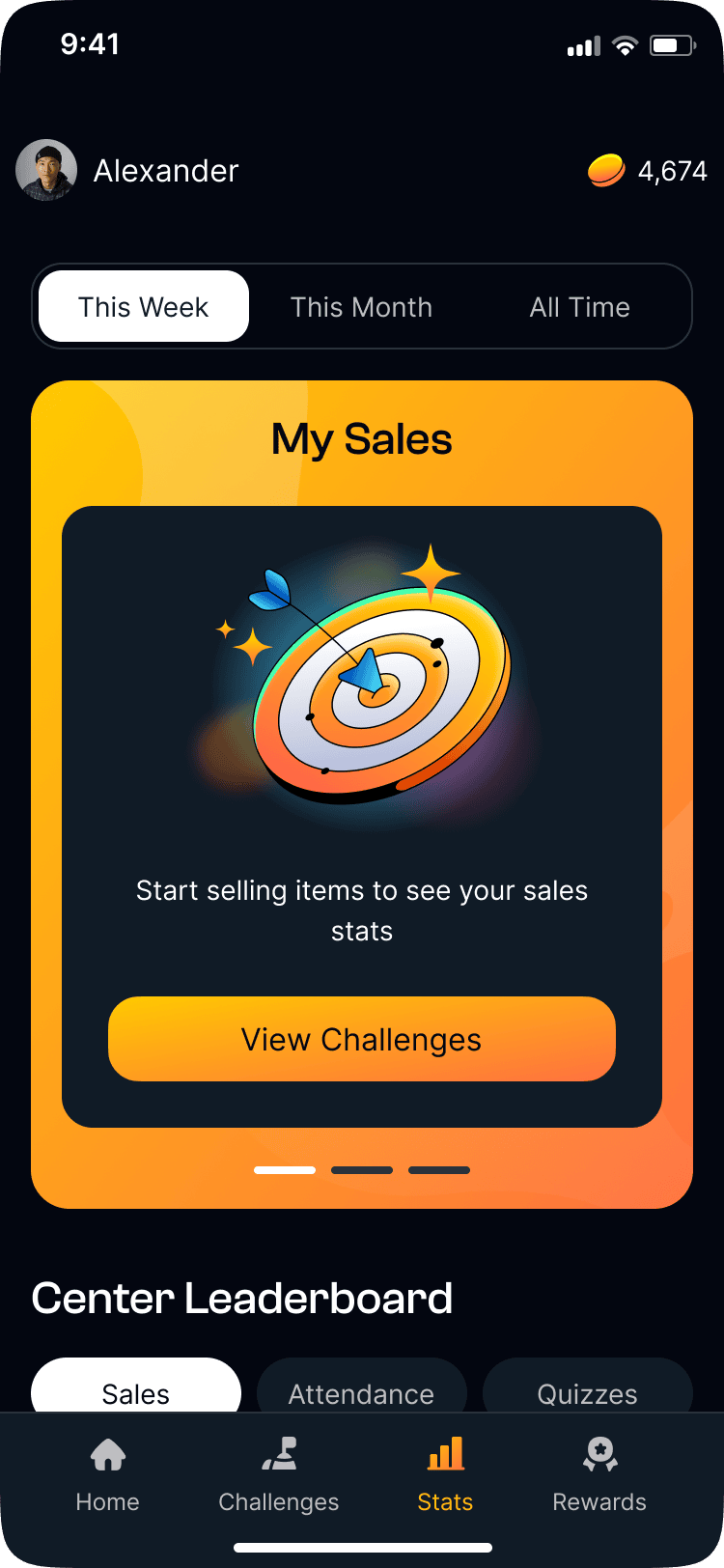
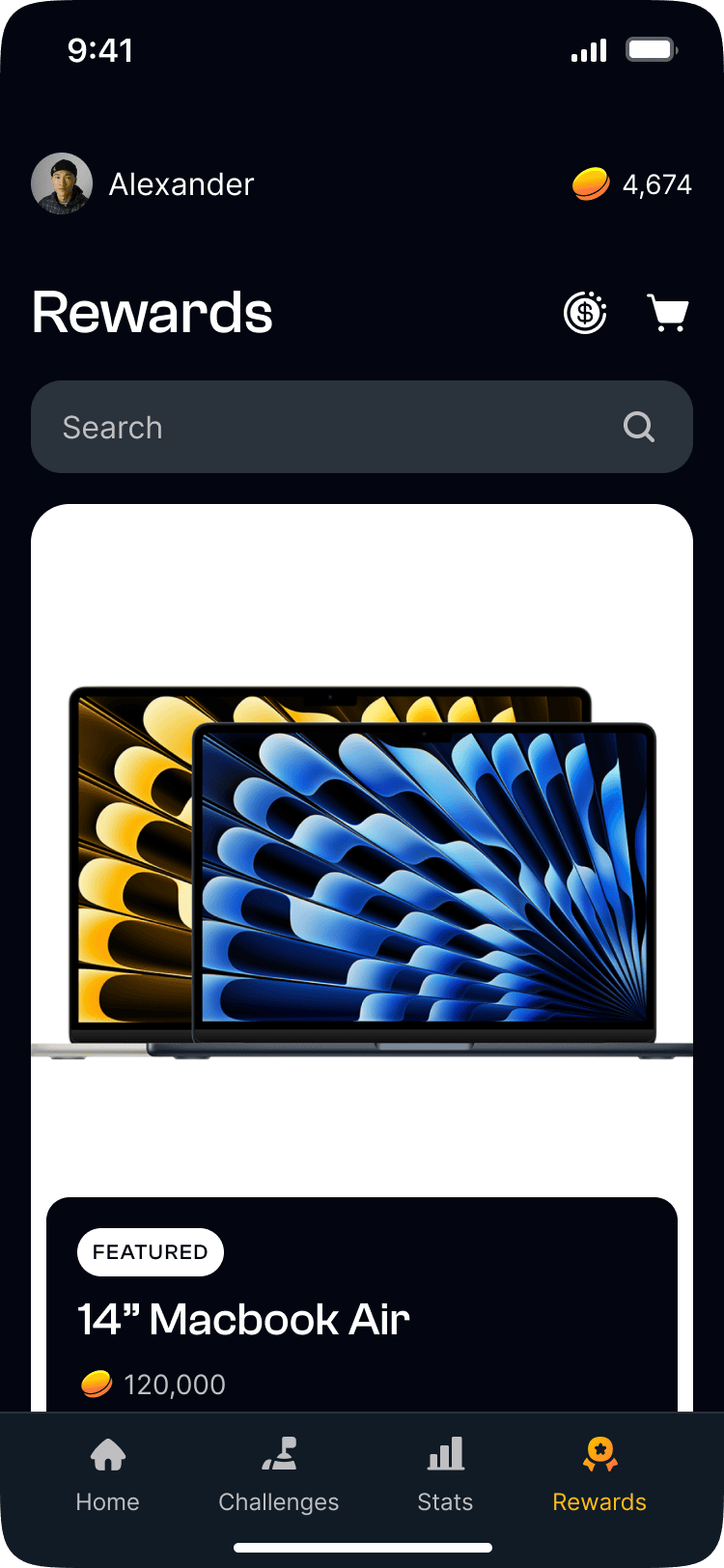
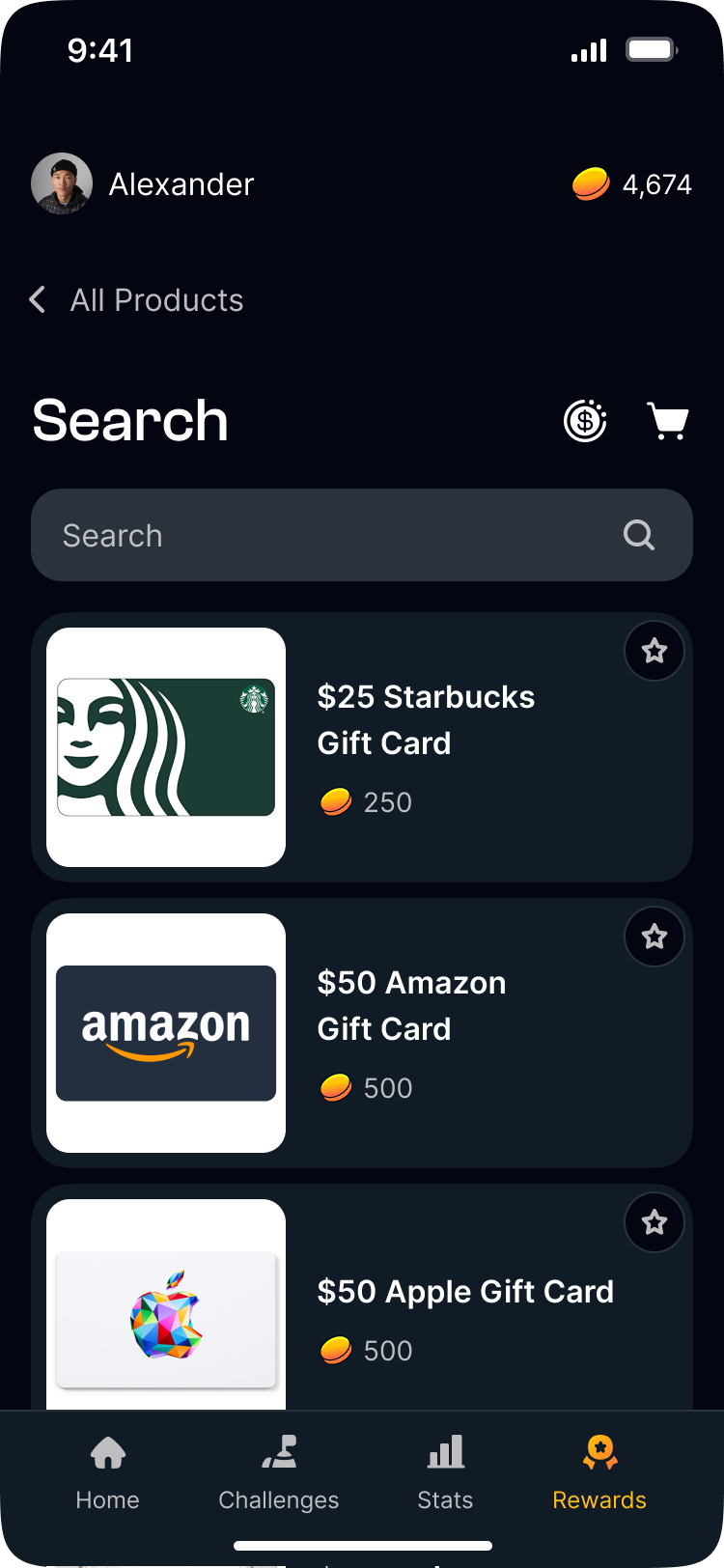
Goldfish shipped as Bowlero's internal frontline app. Core loop: show up, complete challenges, earn coins, redeem rewards.
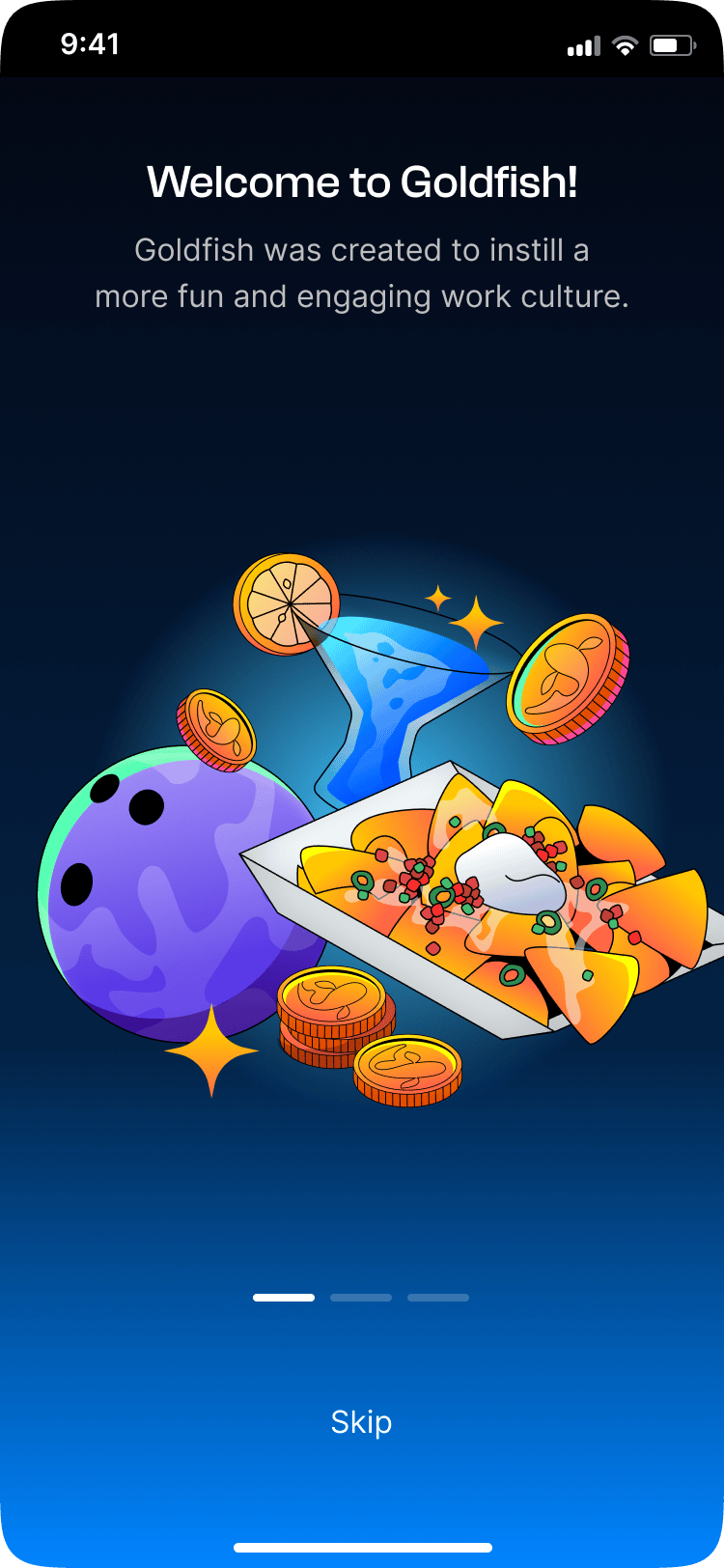
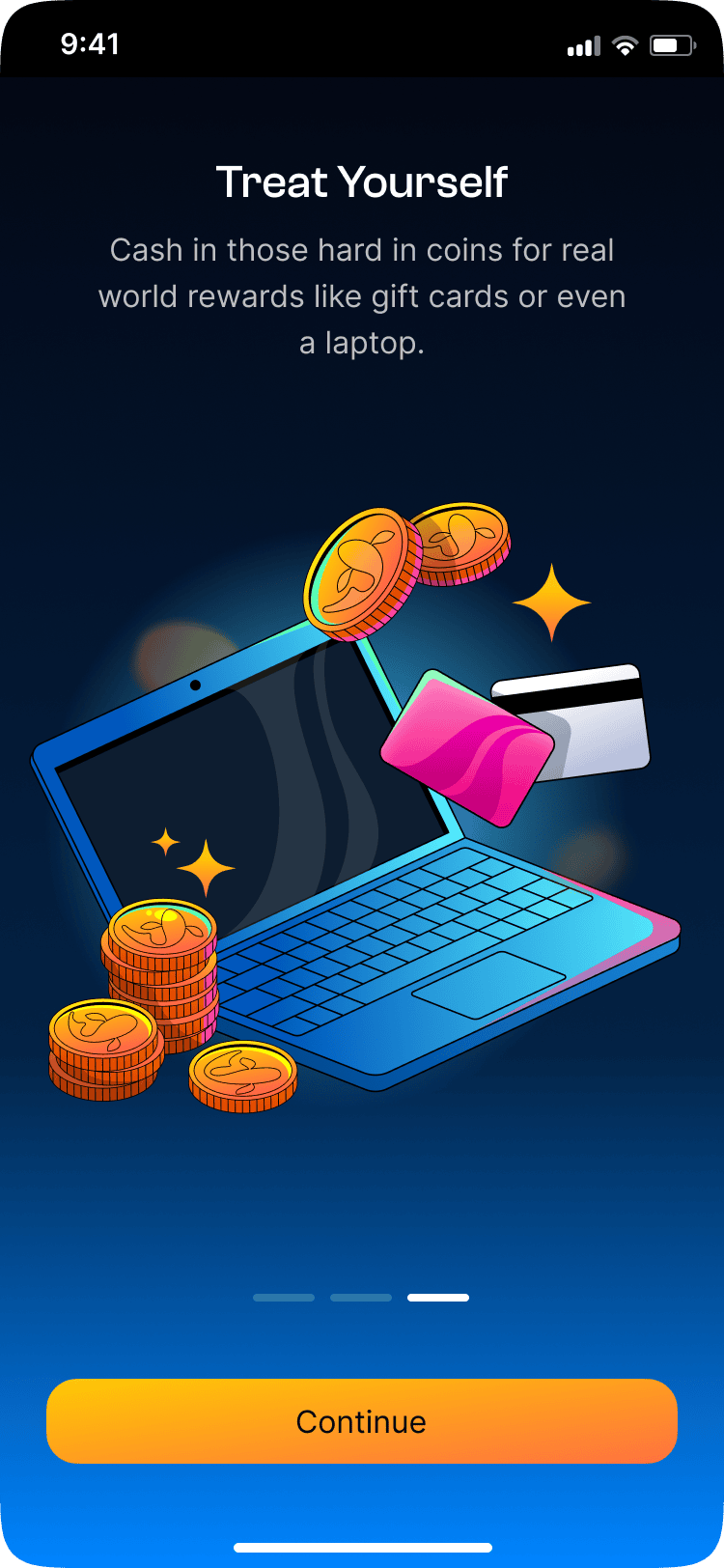
- Onboarding: Bowlero ID login, location permissions, and welcome walkthrough
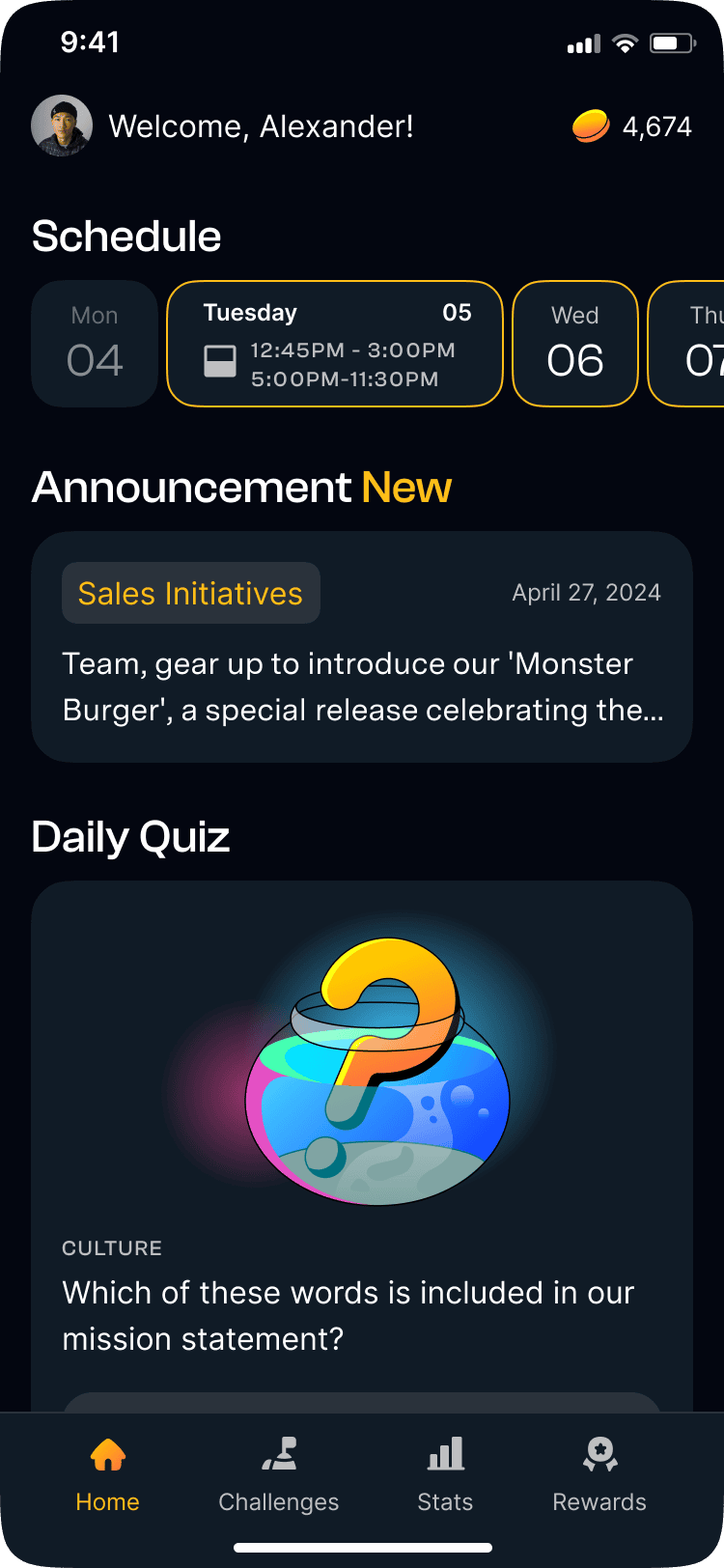
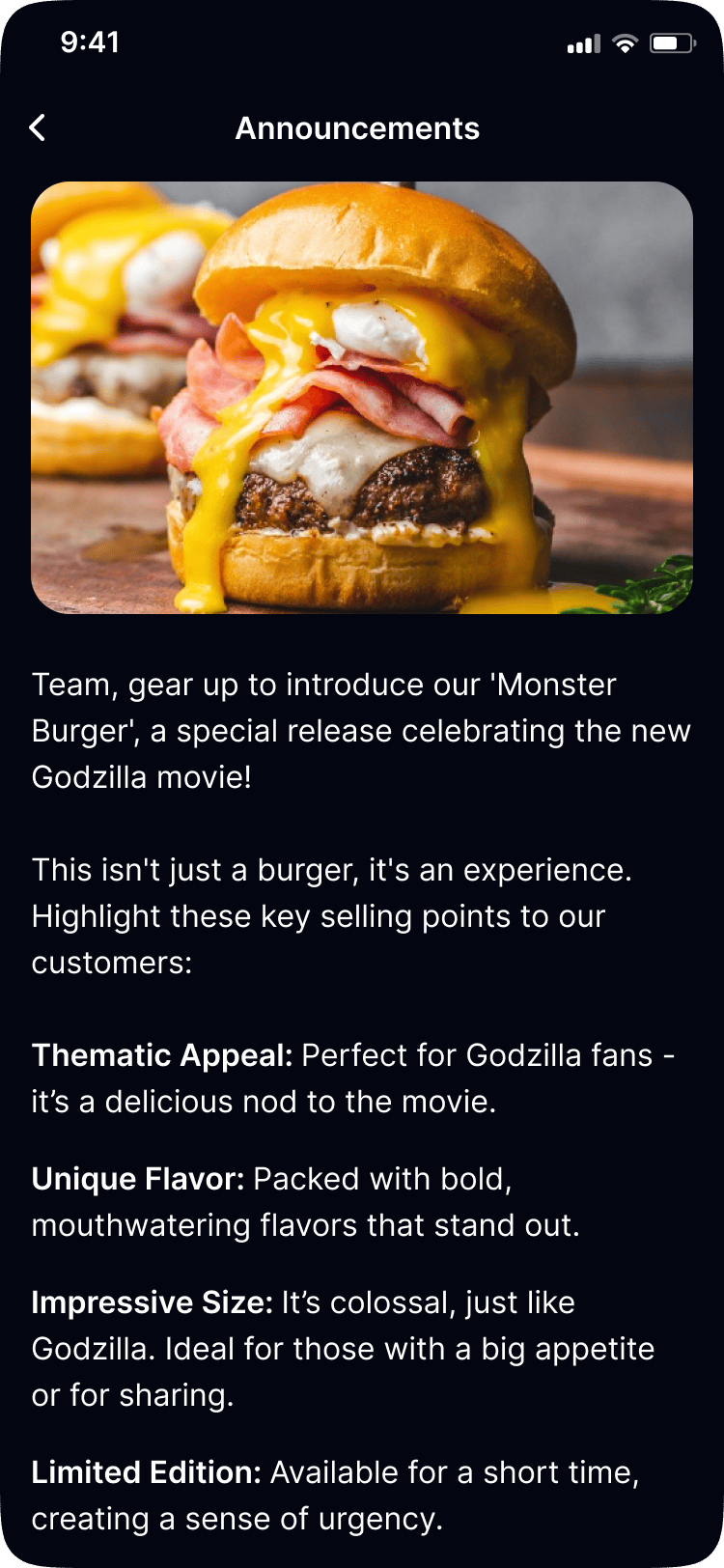
- Home: daily quiz, challenge card, schedule, and announcements
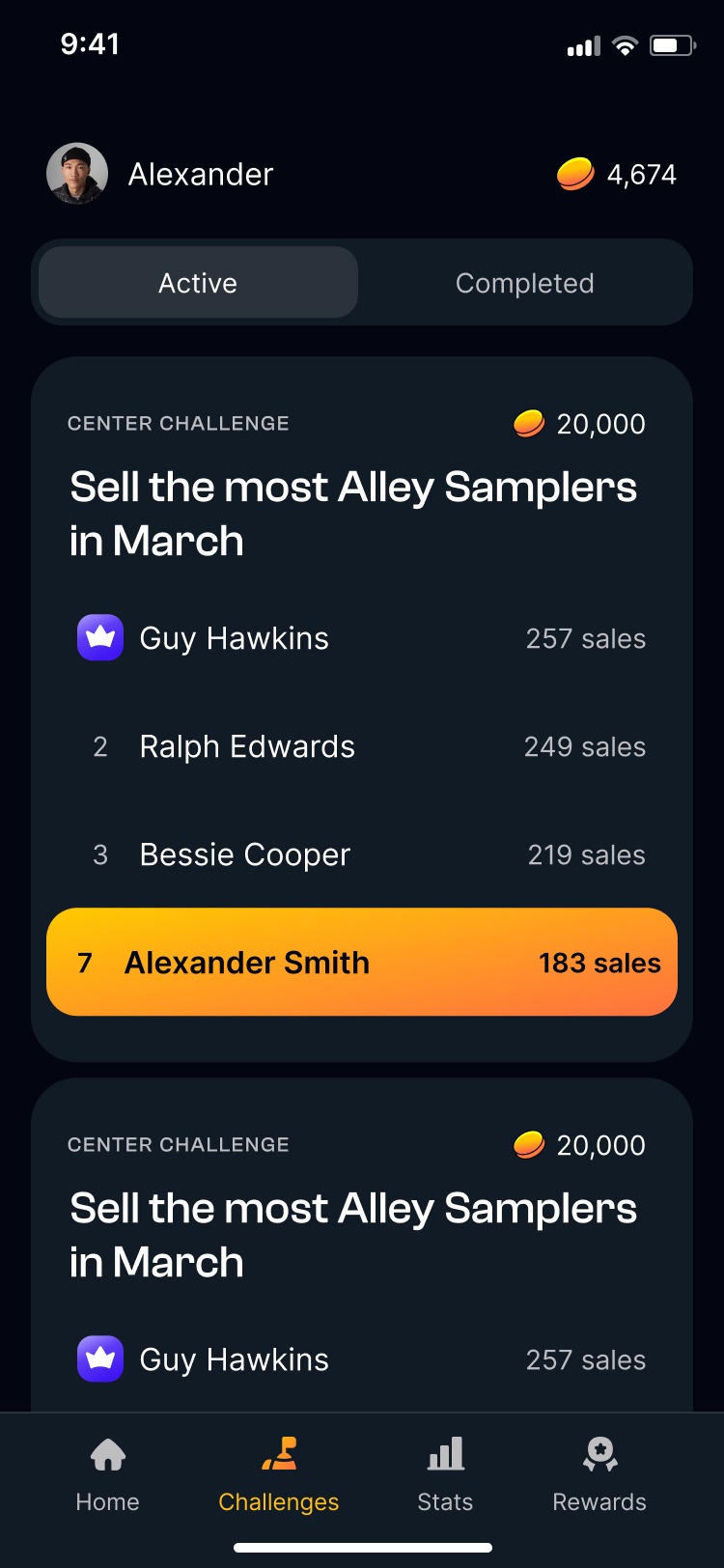
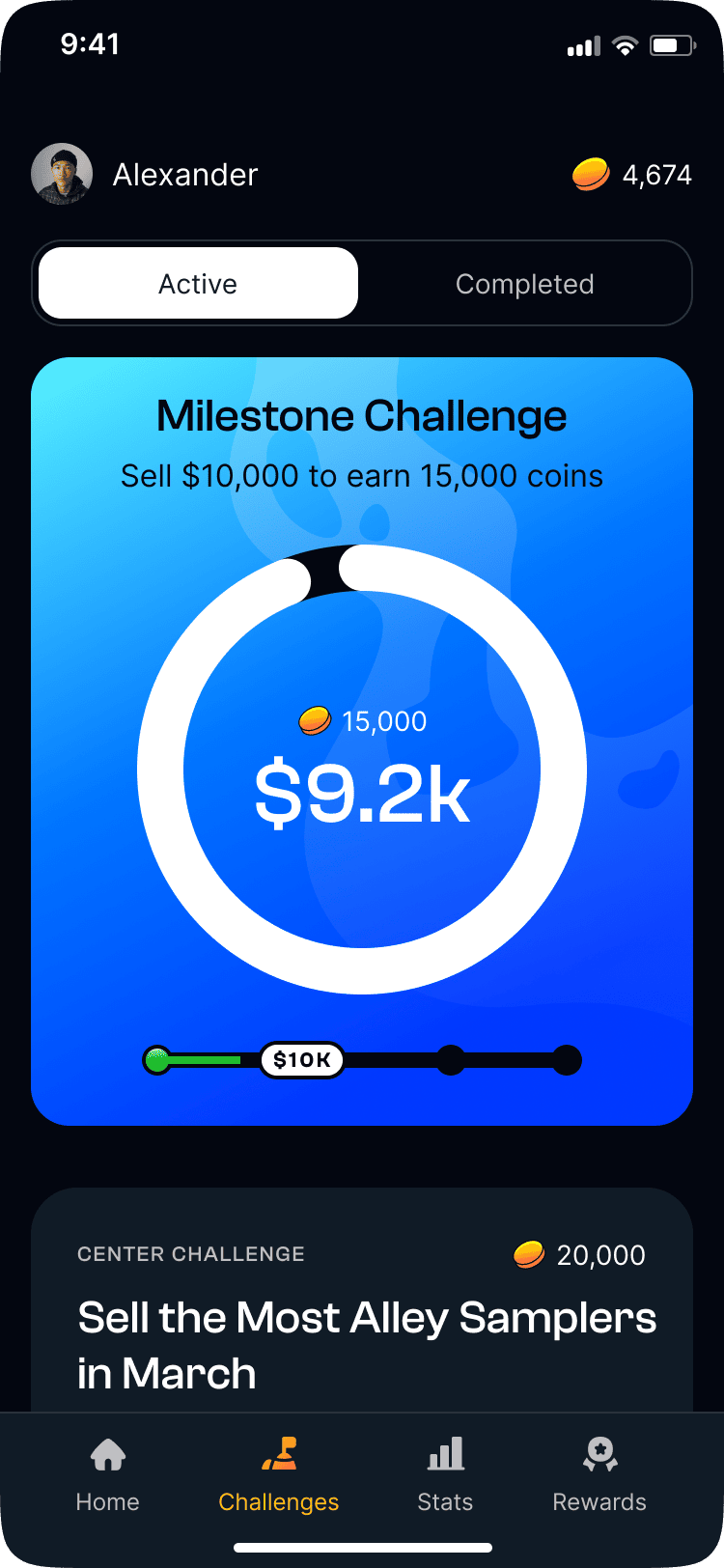
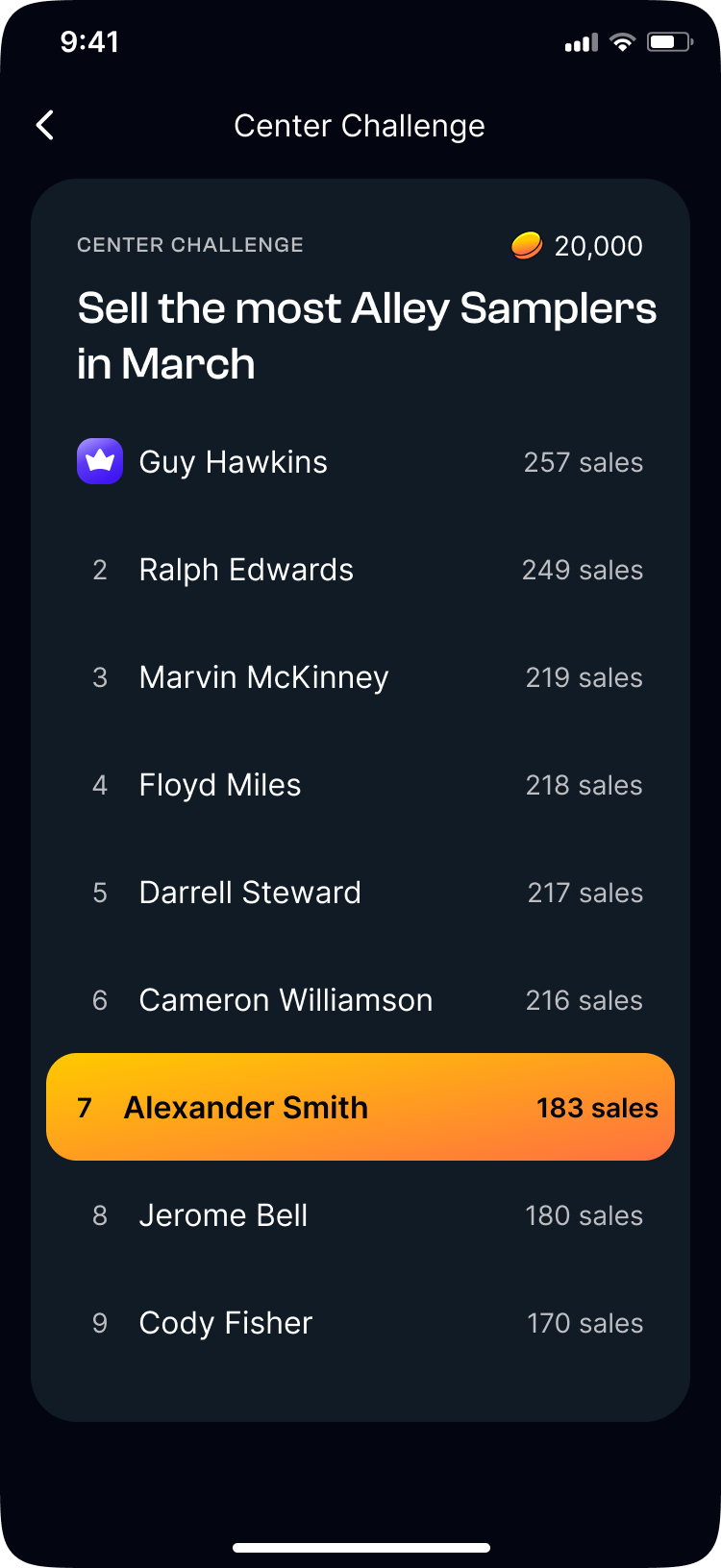
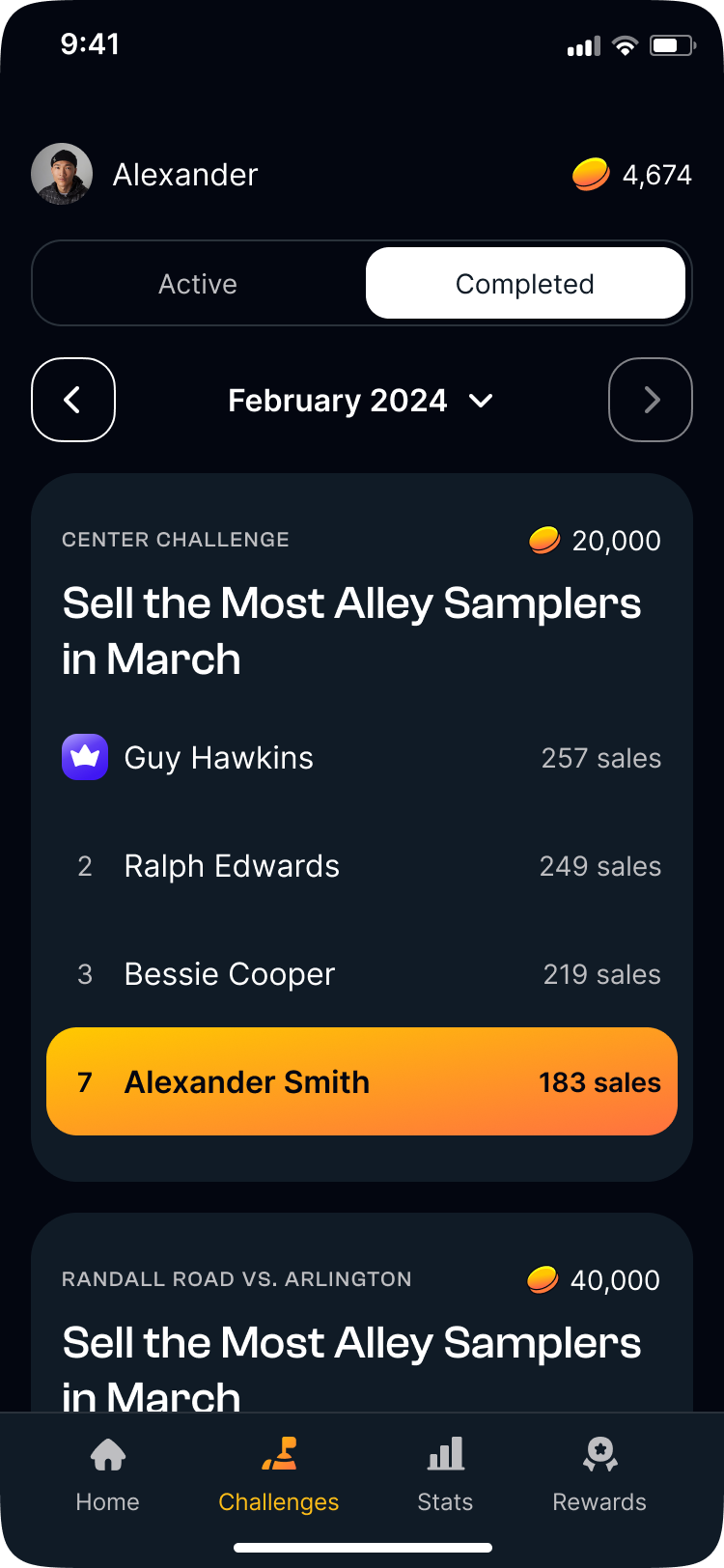
- Challenges: milestones, attendance streaks, and center vs. center competition
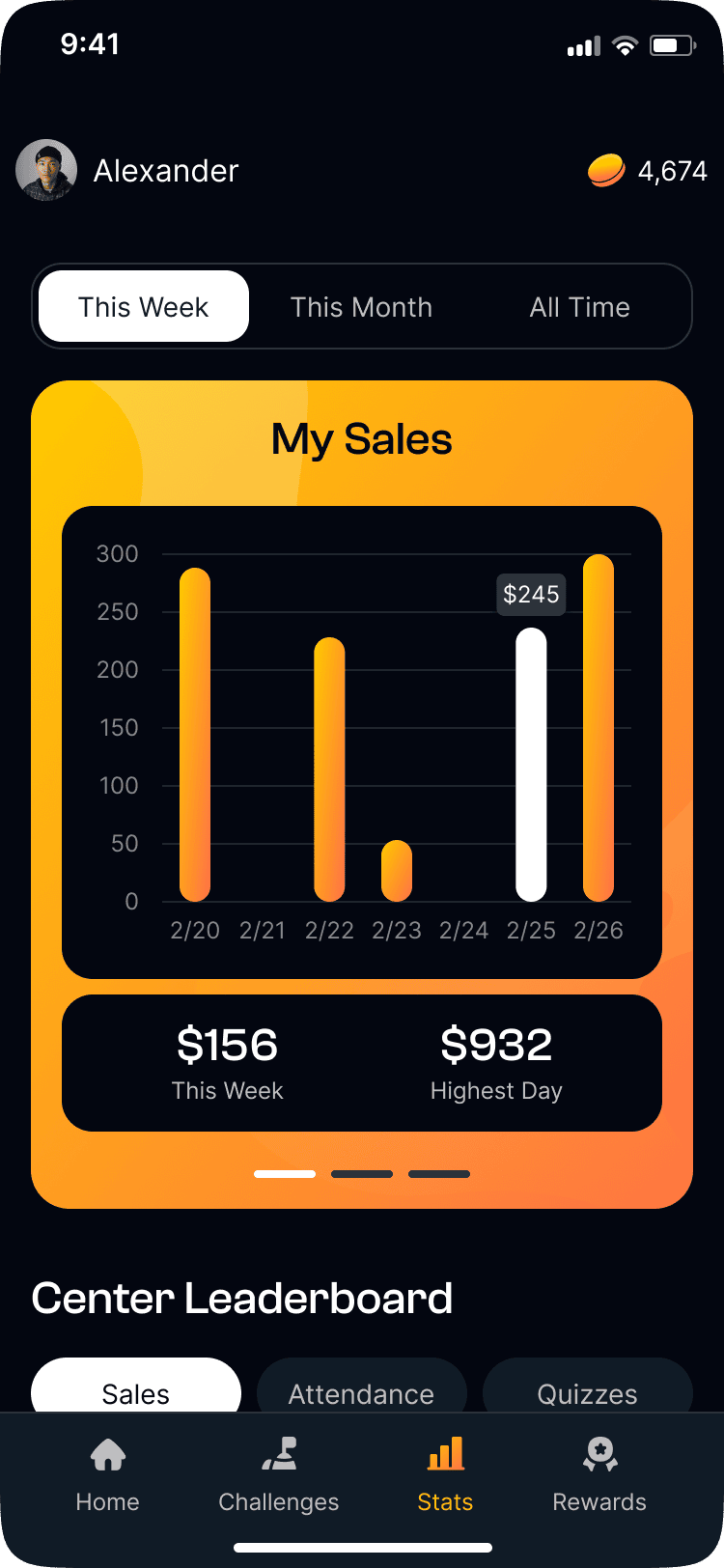
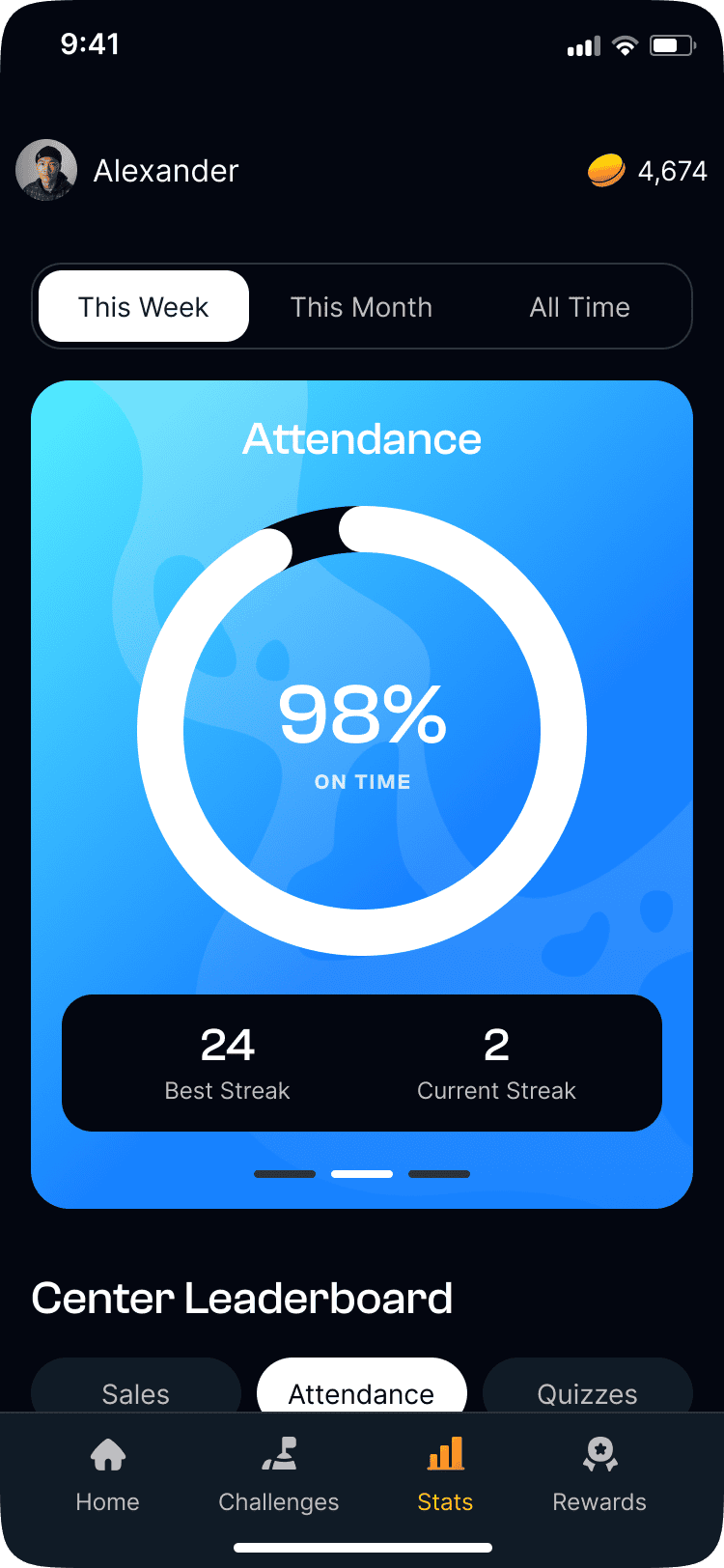
- Stats: shift sales, attendance, quiz scores, and center leaderboard
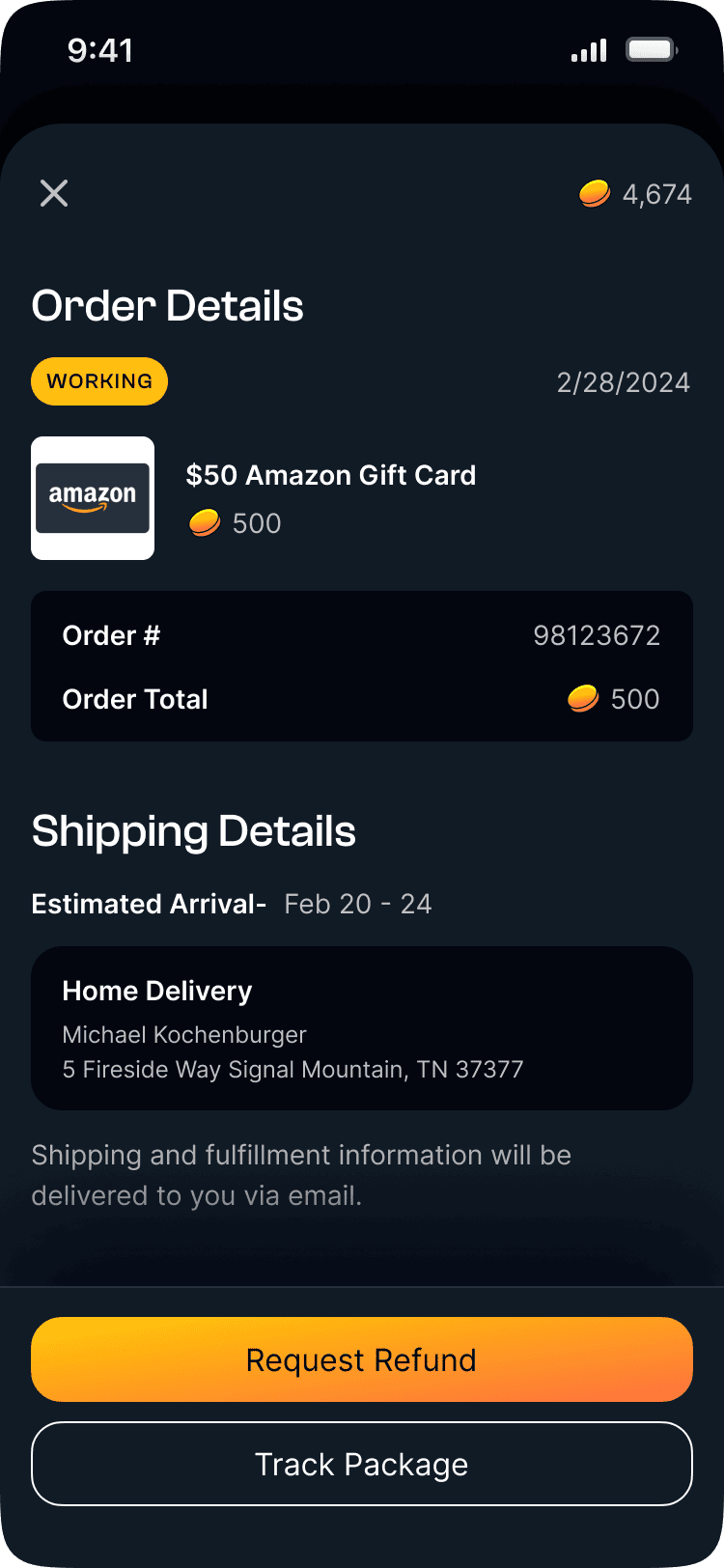
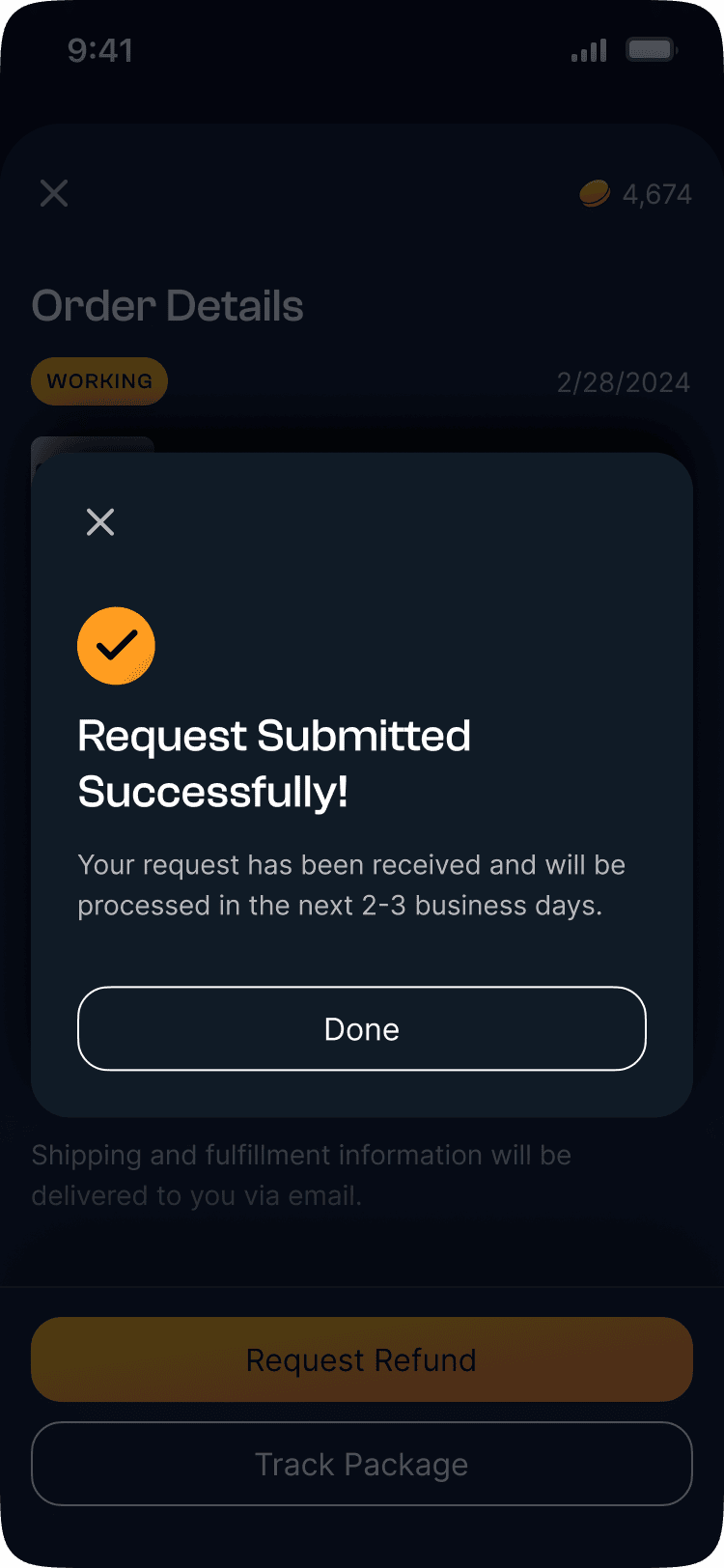
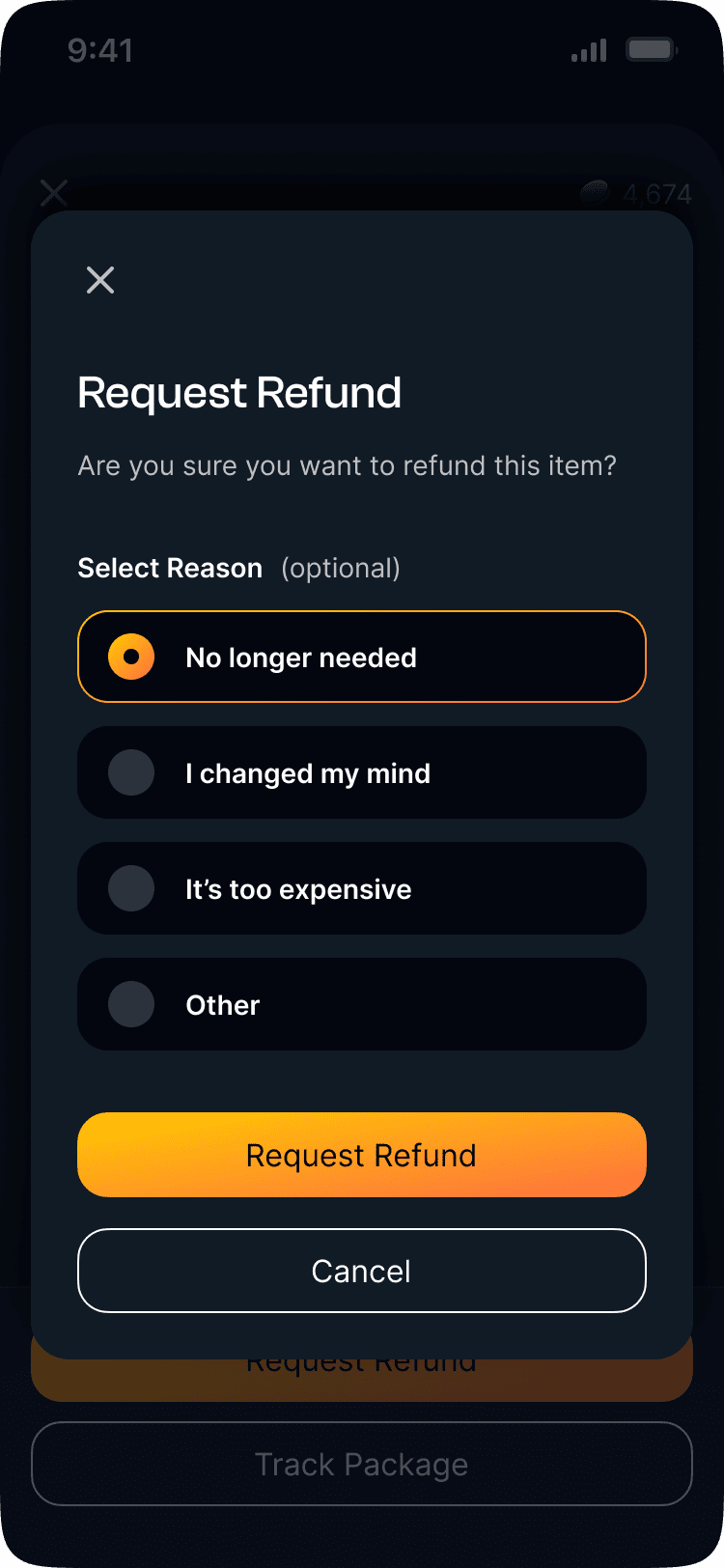
- Rewards: marketplace with categories, cart, and order history
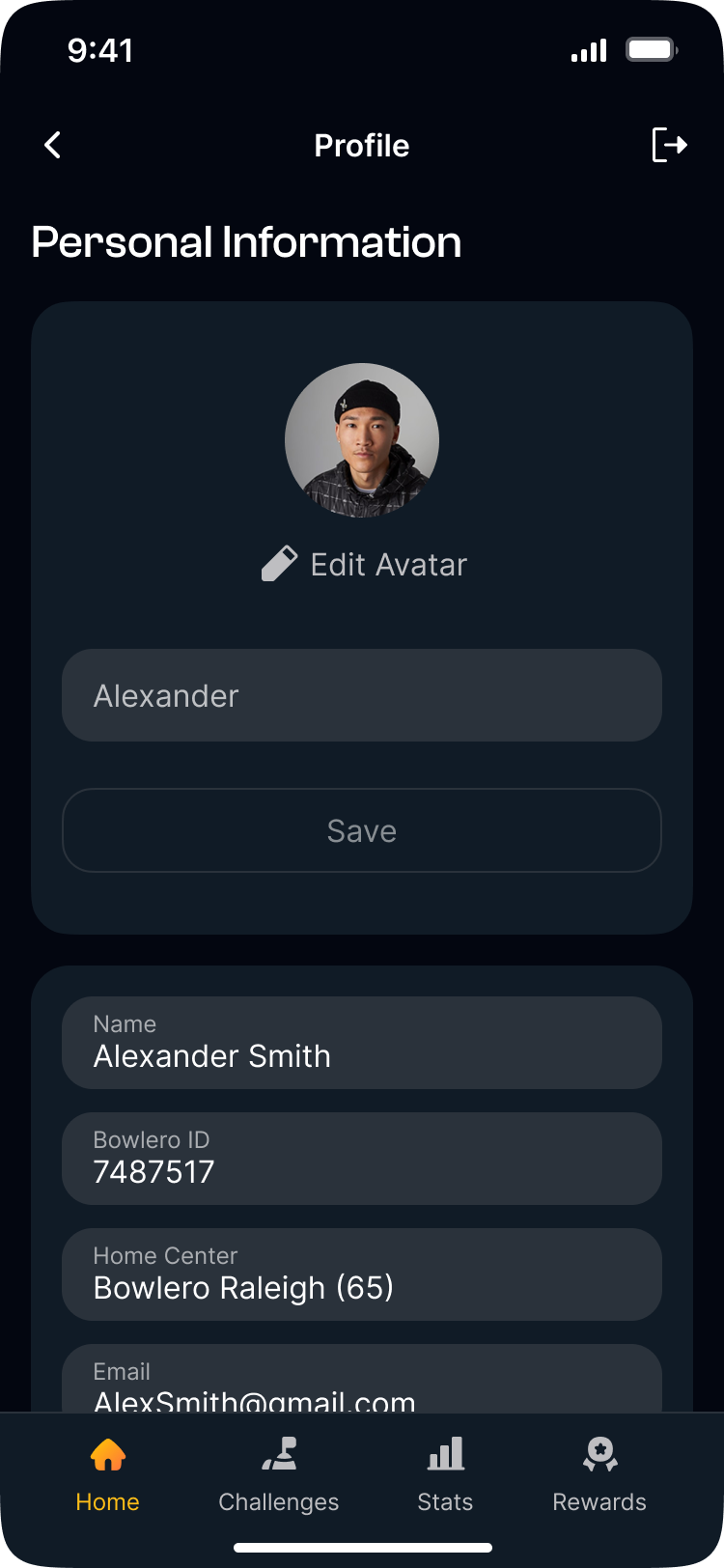
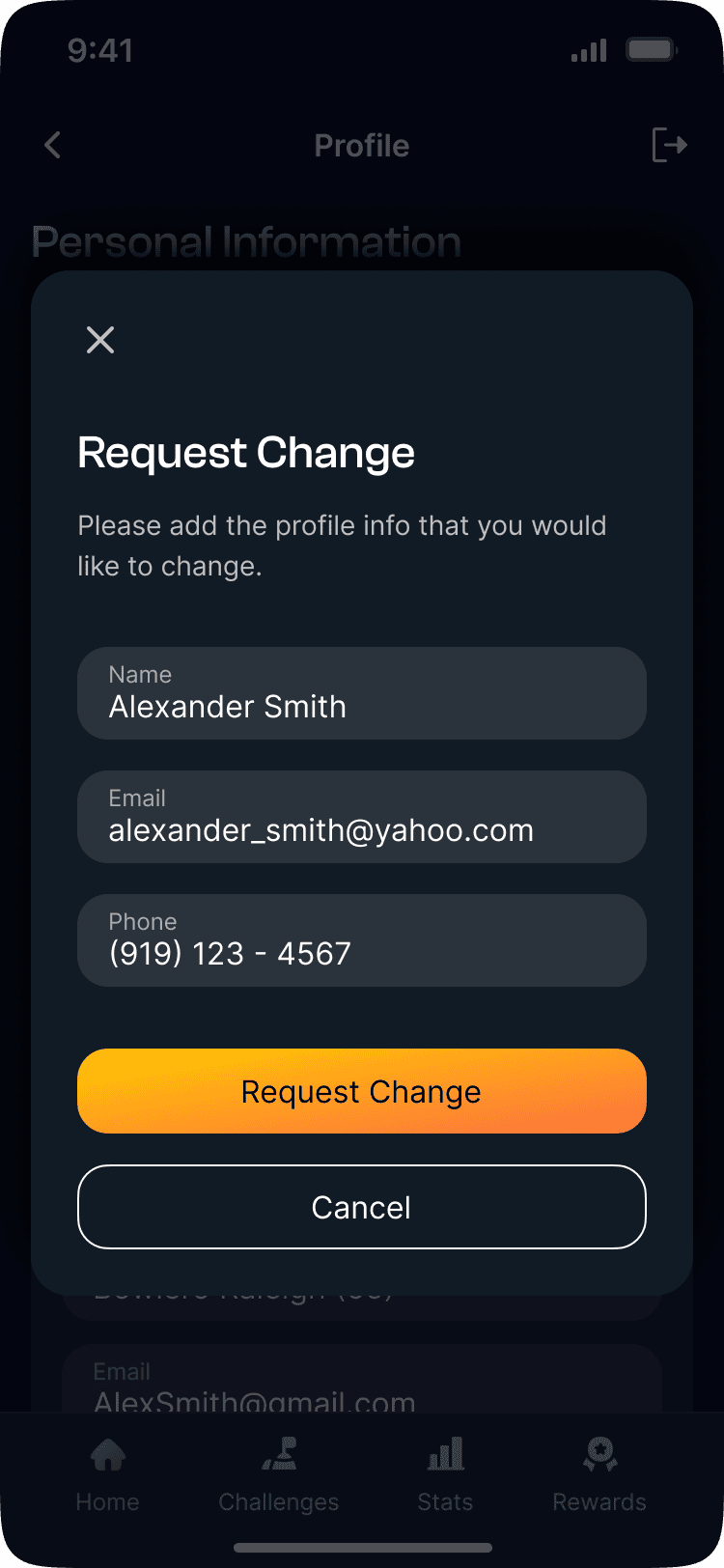
- Profile: linked to Bowlero ID, language settings, and account management
- Location-based access: full app on-site, read-only off-site
Build
Handoff was built around a feature requirements document covering every screen and state. Clear enough that developers could build without a designer in the room.
Two other designers each owned specific sections. I reviewed everything before handoff and flagged gaps in the location services and checkout flows, the highest-complexity surfaces.
The Bowlero contact was involved at every stage. Figma walkthroughs kept decisions visual and revision rounds short.
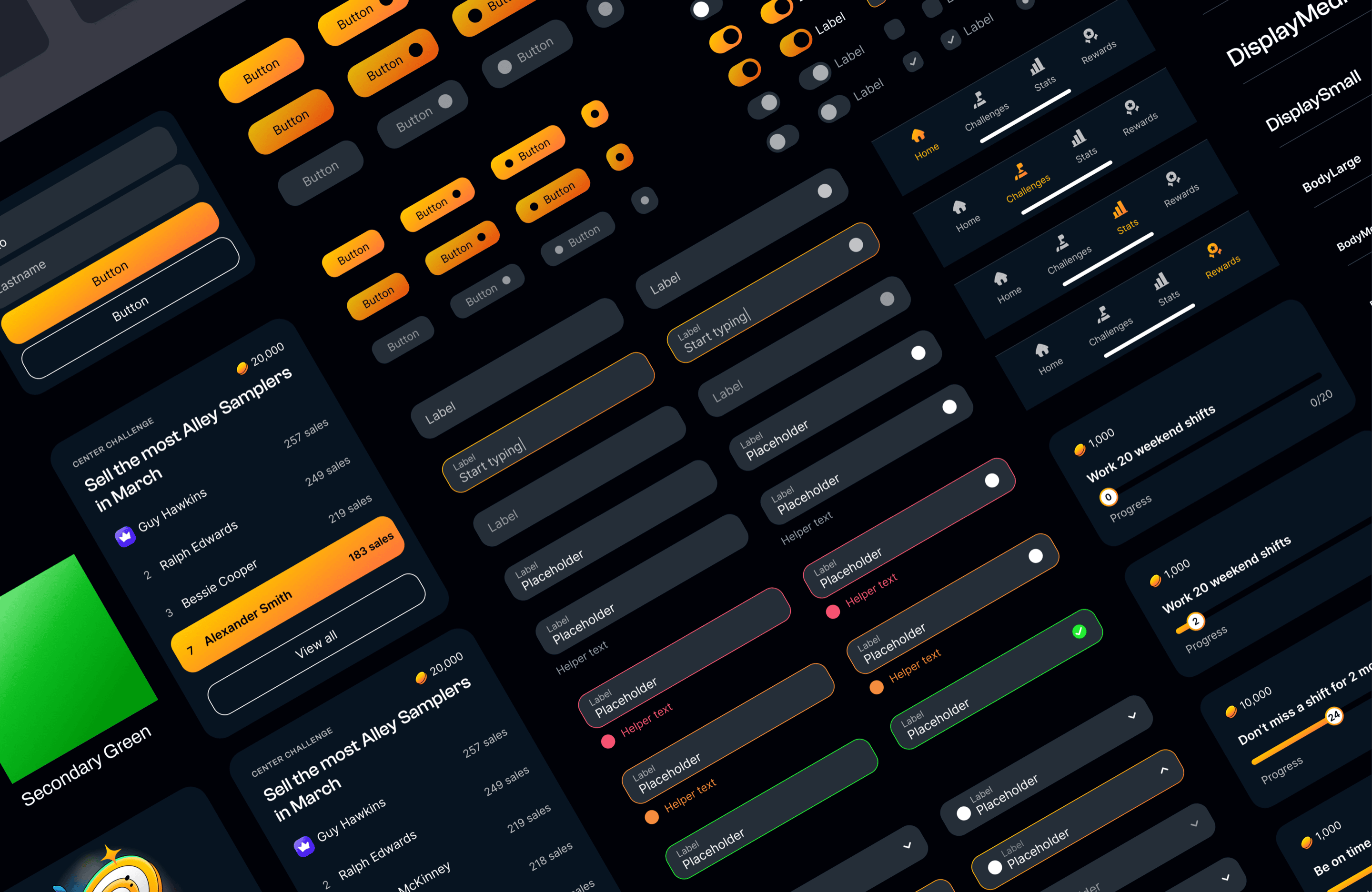
Design system components
Results
Goldfish shipped across Bowlero's 300+ locations. The product was designed to move employee engagement and frontline sales. The daily challenge loop, coin rewards, and leaderboard were the mechanism.
Learnings
The personas were load-bearing, not a formality. A 17-year-old porter and a 50-year-old mechanic wanted completely different things. Four distinct personas kept every decision grounded in a real person.
Card sorting was the biggest surprise. I expected minor adjustments; what came back was that the entire navigation model was off. Employees thought by task, not by feature category.
Running design and project management in parallel worked, but stakeholder alignment drifted at times. Next time, I'd set up a check-in cadence from day one.